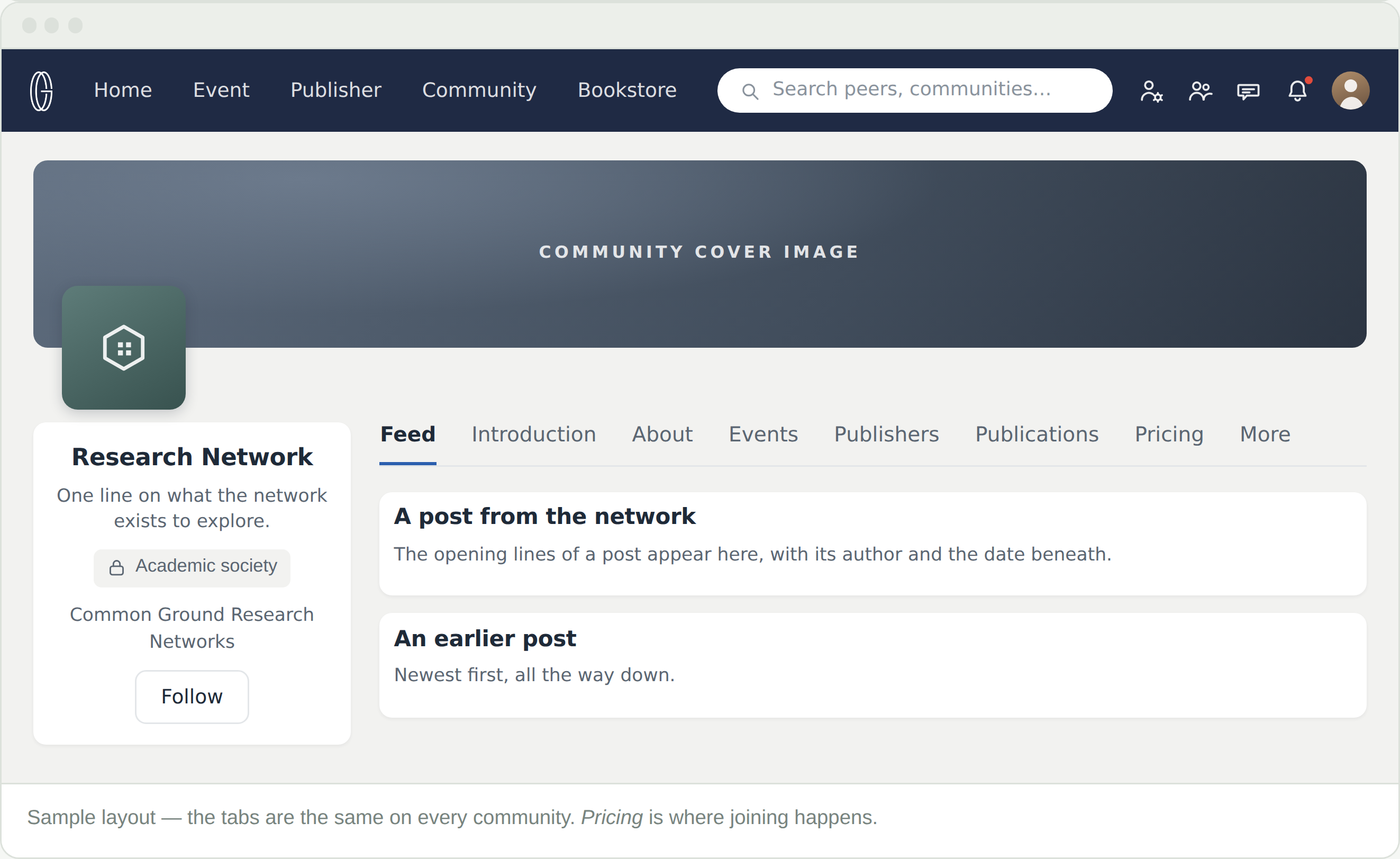
Which community is mine?
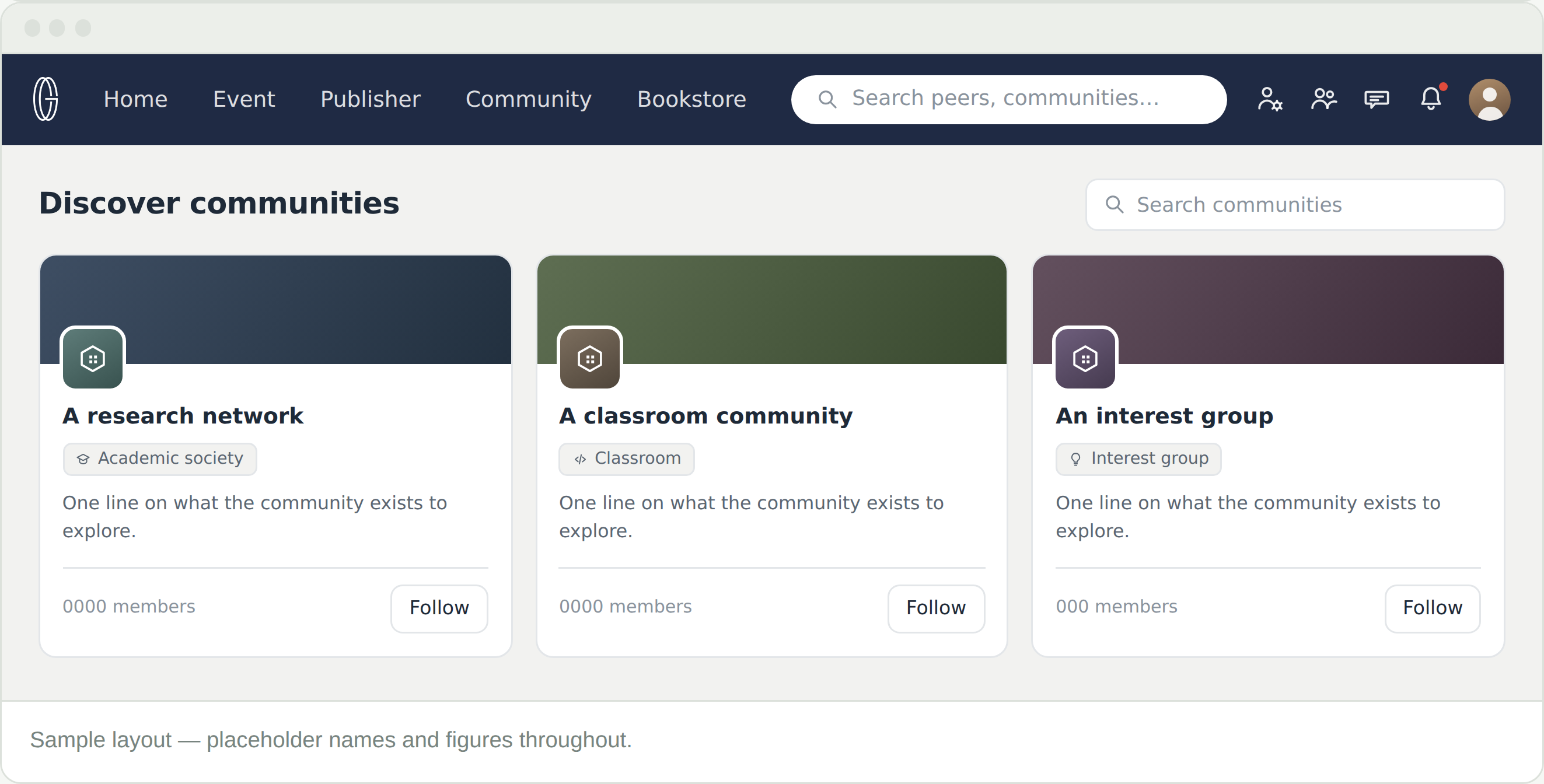
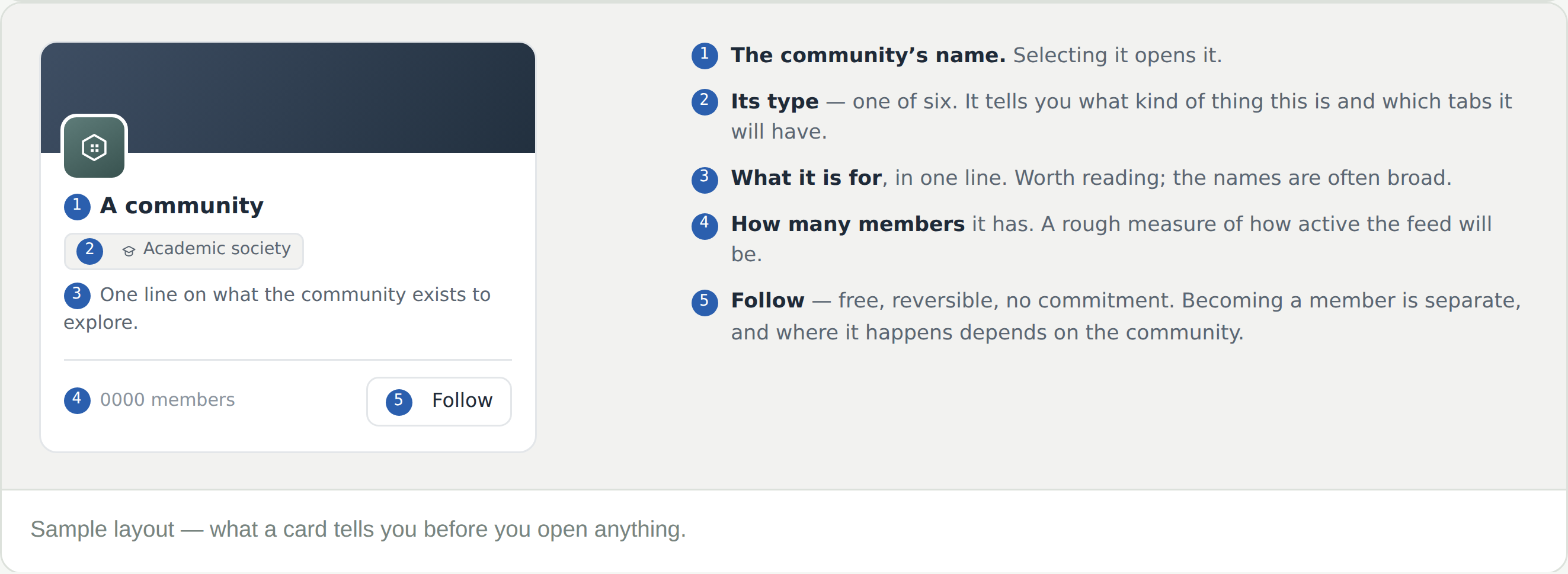
Read the type first, then the one-line description. The names are deliberately broad; the type tells you what kind of thing it is and the description says what it actually covers. Introduction and About go further if you are still unsure.
Is a community the same as a research network?
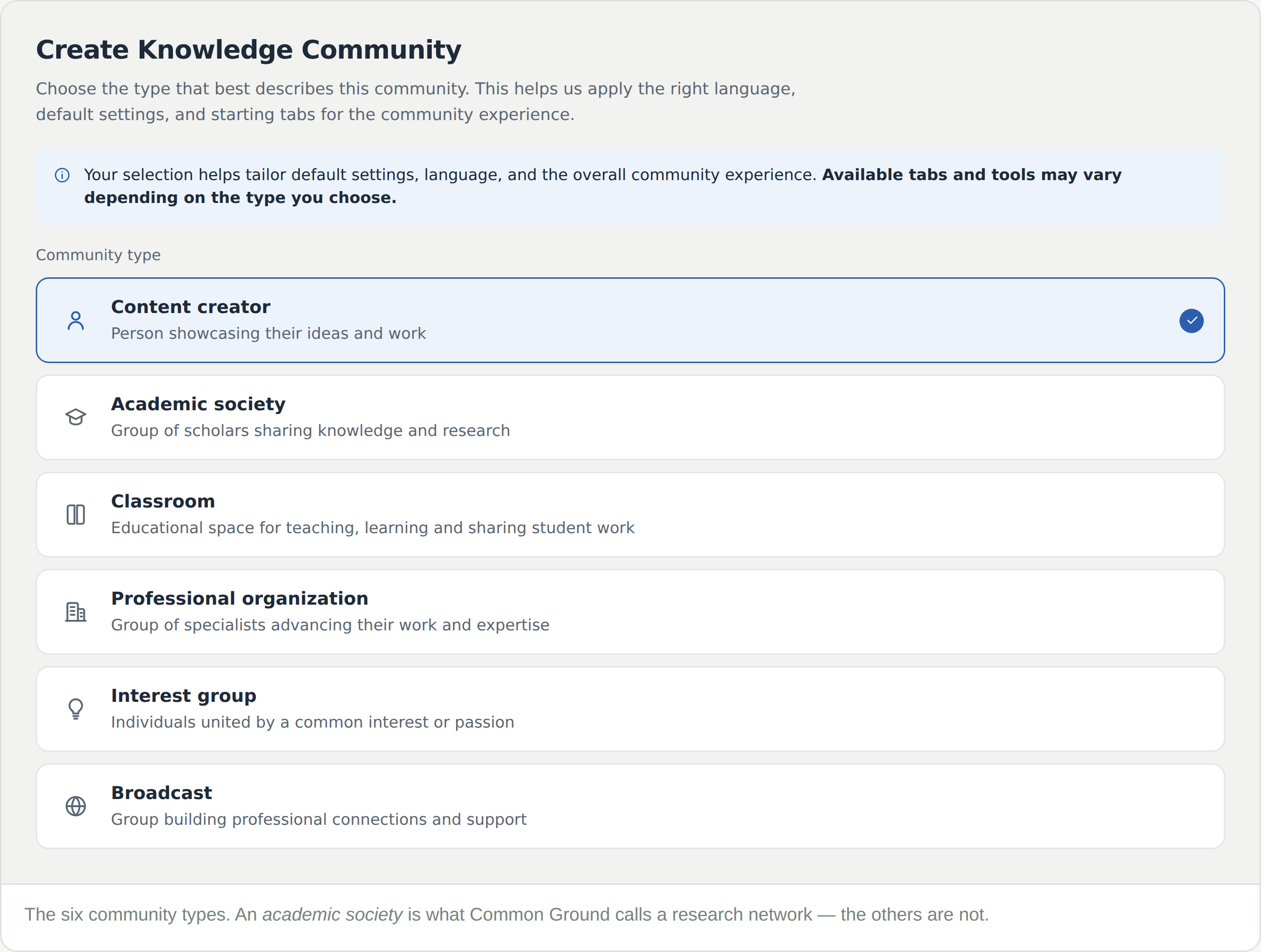
Not quite. Research network is what Common Ground calls its academic societies — one of six community types. A classroom, an interest group or a content creator’s community is a community too, and works differently.
Can I belong to more than one?
Yes, and most people do. Each is its own membership; they share your account, profile and wallet.
Does following cost anything or commit me?
No to both. It is the sensible way to watch a network for a while before deciding.
The search is not finding a community I know exists
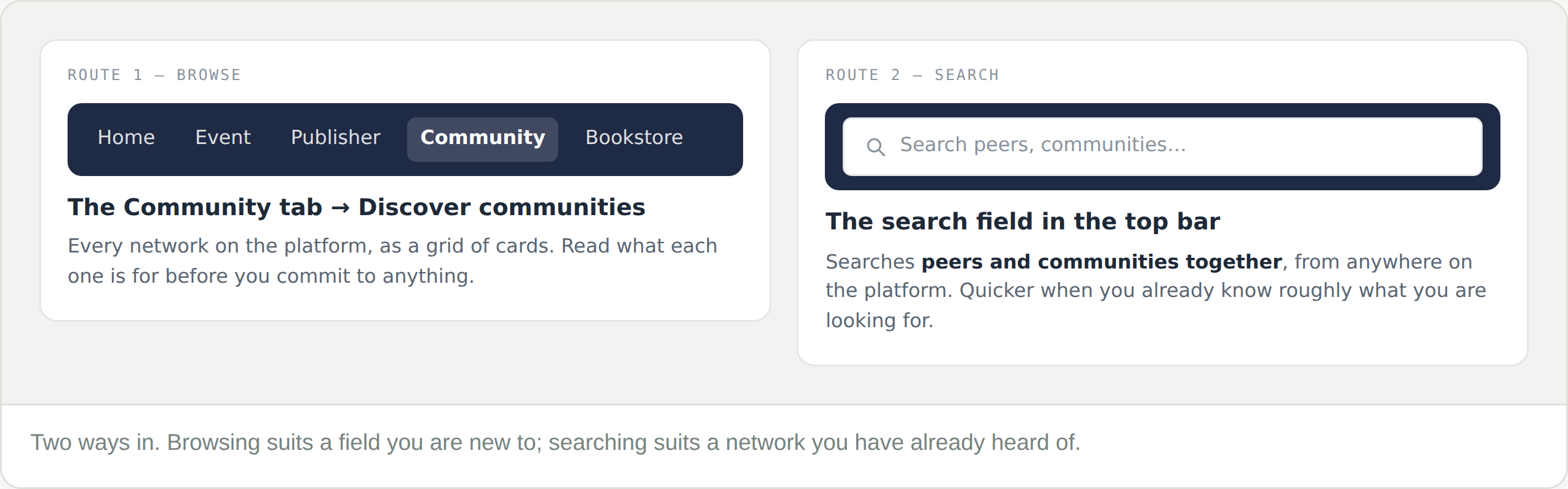
The top-bar search covers peers as well as communities, so a common word returns people too. Discover communities has its own search that looks only at communities.