There is no Pricing tab on the community I am looking at
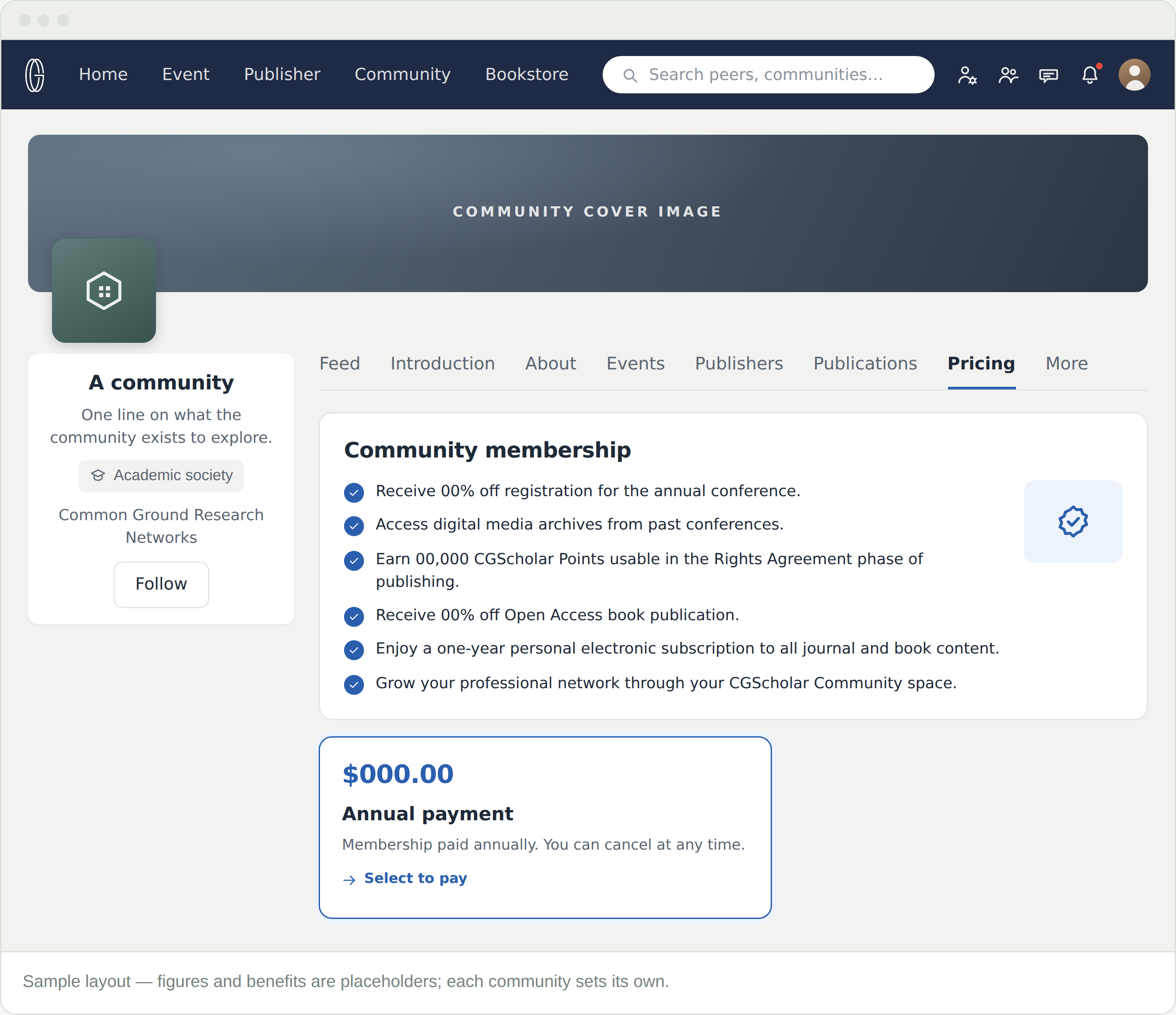
Then it has no paid membership to sell. Tabs vary by community type. Follow it instead, or ask its administrators — the More tab lists them.
Do all communities charge annually?
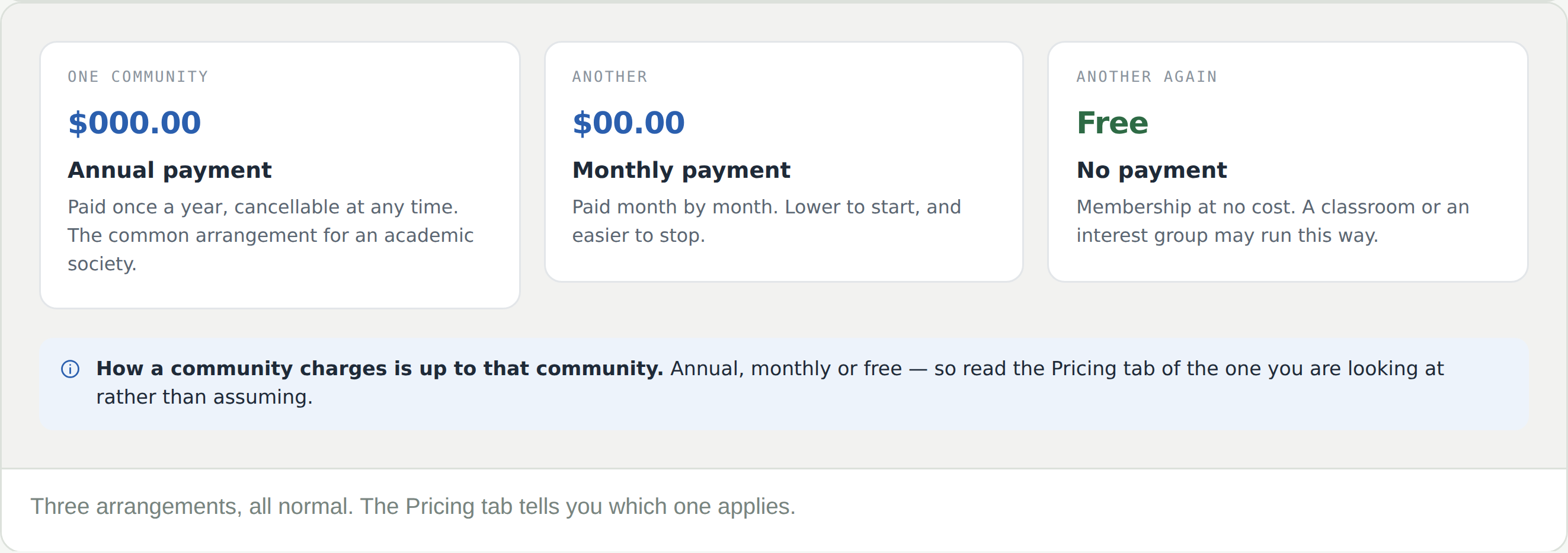
No. Annual is common among academic societies, but a community can charge monthly or nothing at all. Its Pricing tab states which.
What is the difference between following and joining?
Following is free, reversible, and gets you the feed. Joining is a membership — it carries whatever that community lists on its Pricing tab, and it lets you post.
I am registering for a conference. Does that make me a member?
Sometimes. Some registrations include membership. Check the registration before paying for both.
Where do I see what I am paying for?
Memberships, under your profile picture. Each one shows its status, its source and its plan.
Can I cancel?
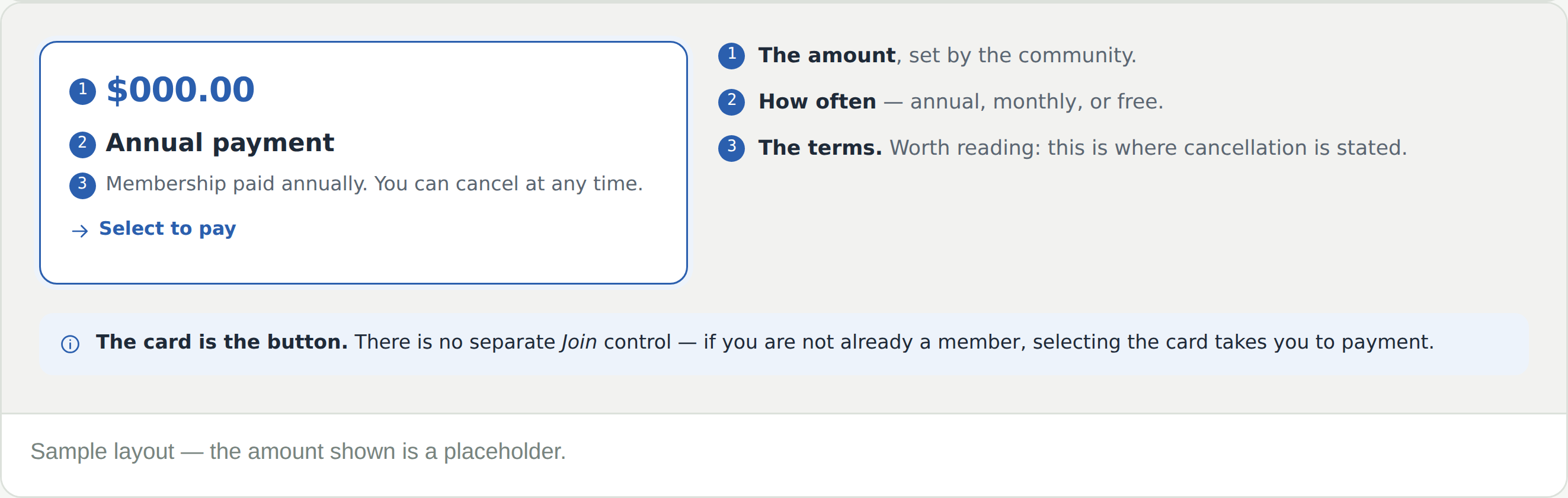
The terms on the price card say. They are set by the community, so read them before you pay rather than after.