Asynchronous sessions

An asynchronous presentation has no day, no time, and no room. It waits on its own page for you to get to it.

Finding them

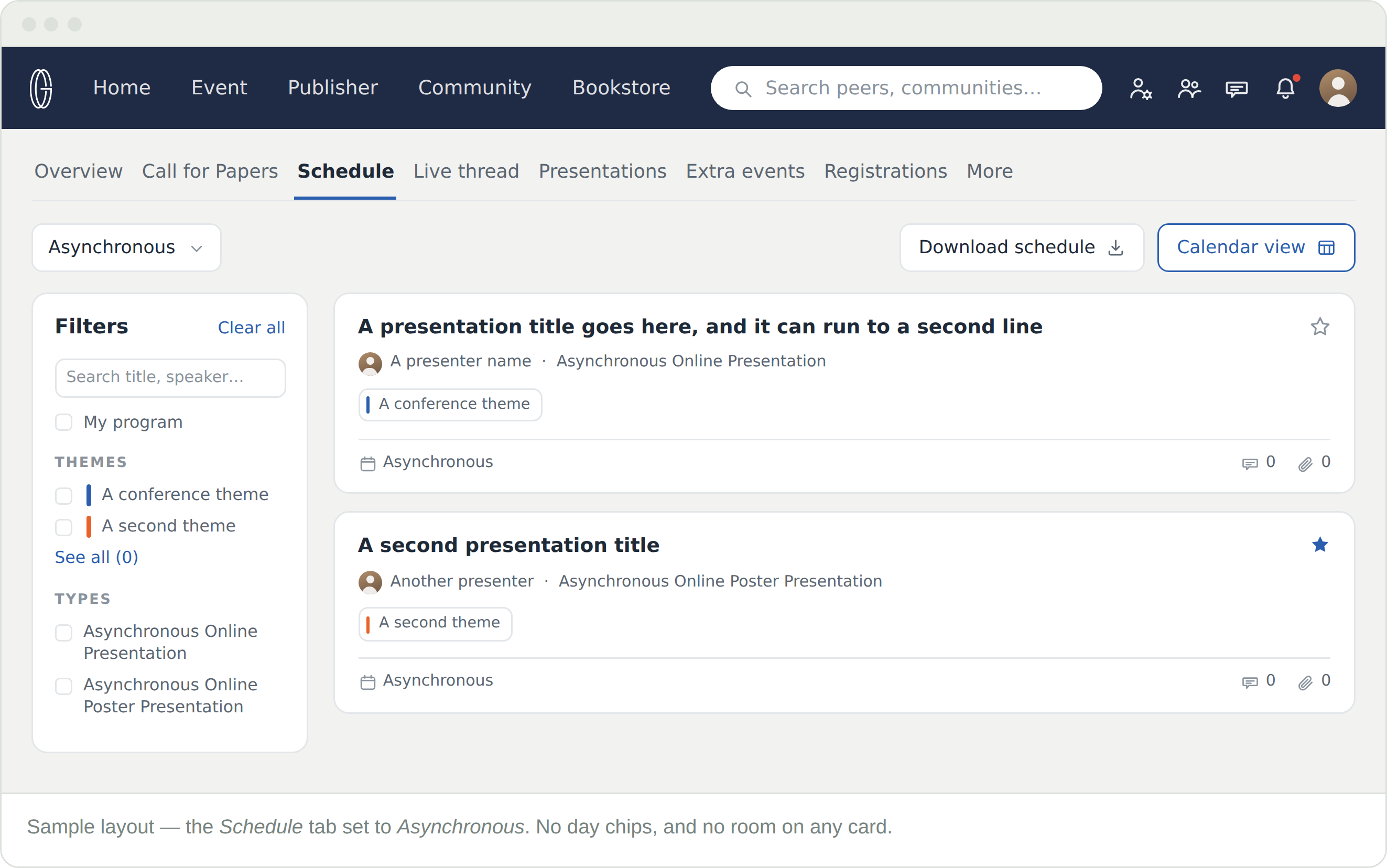
Set the mode dropdown at the top of the Schedule tab to Asynchronous. It is a separate programme from the on-site and online ones, and a conference can run all three.

  • No day chips above the list — there are no days to choose between
  • Every card reads Asynchronous where a time and a room would be
  • Two types appear here: Asynchronous Online Presentation and Asynchronous Online Poster Presentation

The filters rail works exactly as it does everywhere else — search, themes, types, and My program.

What replaces the timetable

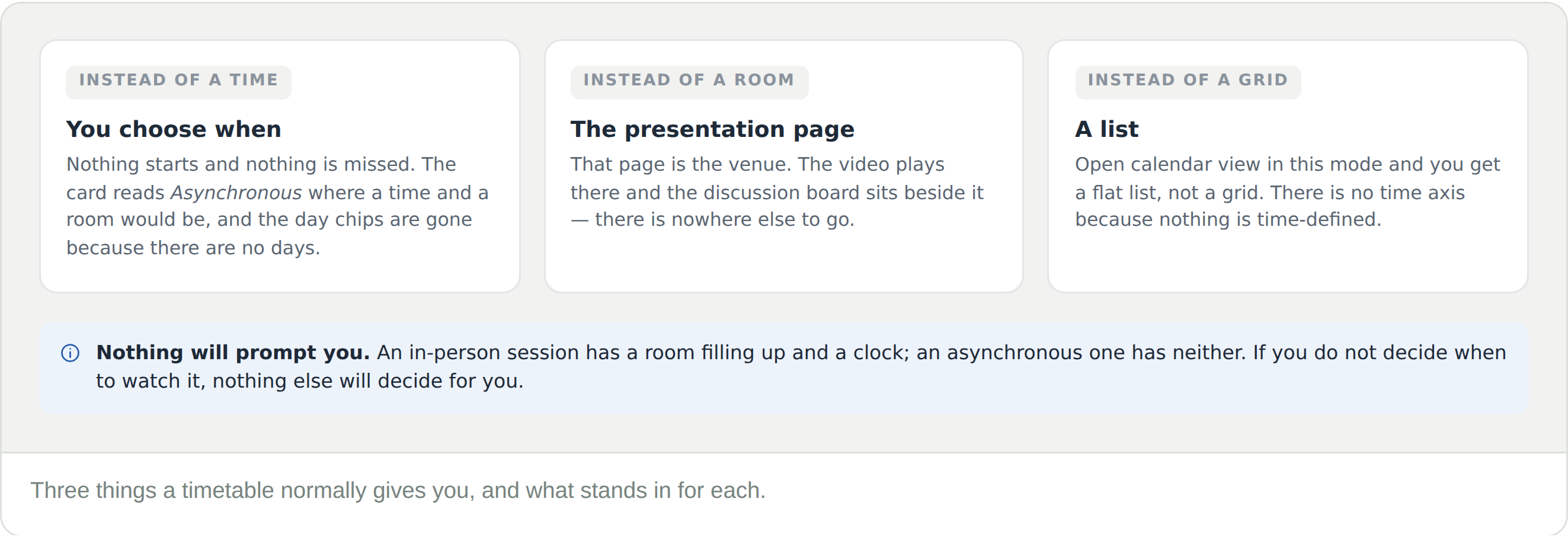
  • Instead of a time, you choose. Nothing starts, so nothing can be missed — and nothing prompts you either
  • Instead of a room, the presentation page. That page is the venue: the video plays there and the discussion board sits beside it
  • Instead of a grid, a list. Calendar view opens in this mode but has nothing to plot

Star what you want as you browse. My program is the closest thing an asynchronous programme has to a schedule, and it is the only thing that will bring you back to a presentation you meant to watch.

Calendar view has nothing to plot

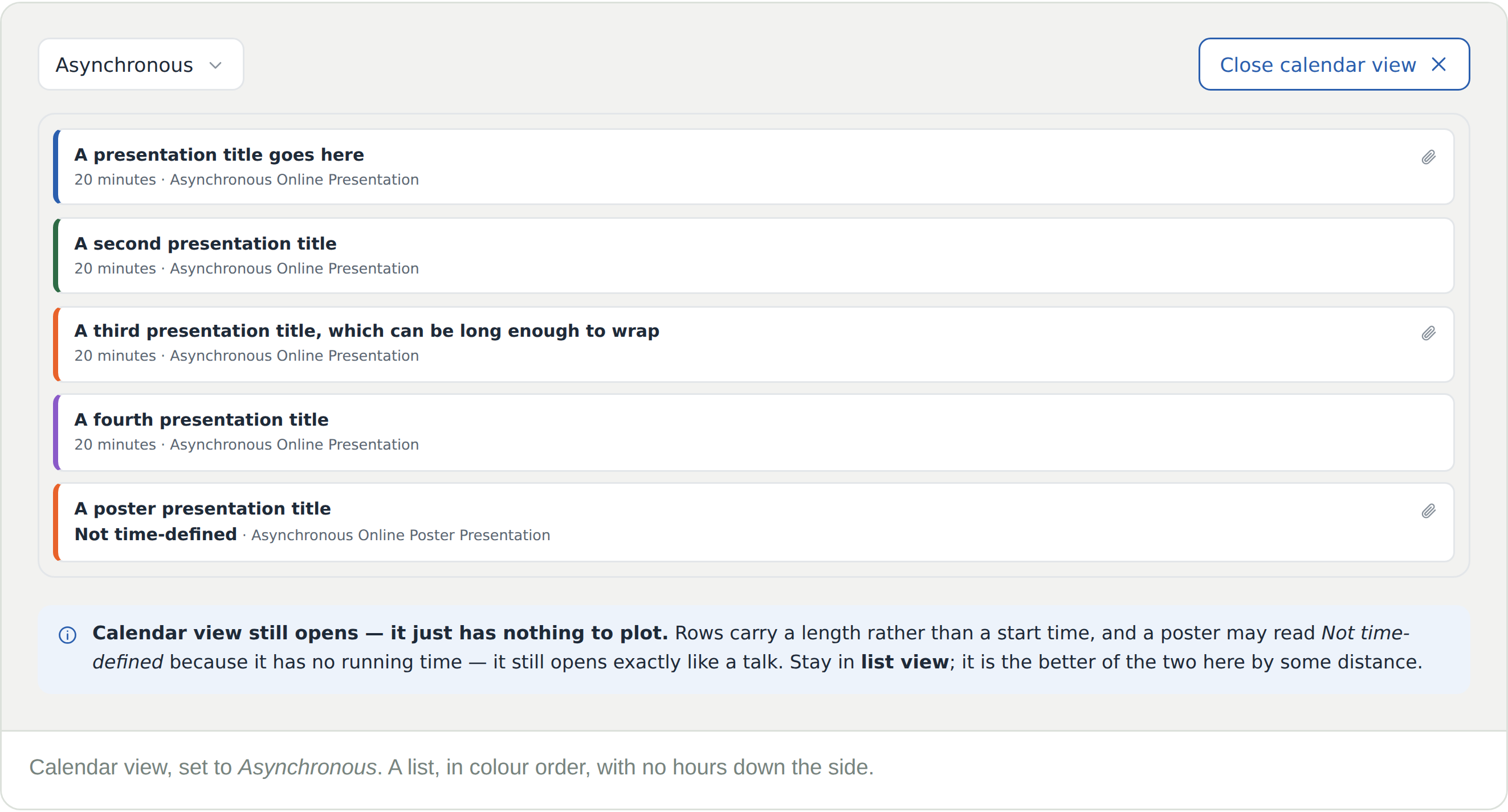
Open calendar view in this mode and there is no grid: no rooms across the top, no hours down the side, just a stacked list of coloured rows. That is correct behaviour, not a fault.

  • Each row carries a length rather than a start time — how long the presentation runs, not when
  • A poster may read Not time-defined — it has no running time, but it opens exactly like a talk
  • The colours are the conference’s themes, the same ones as in the filters rail

Stay in list view here. It is the better of the two by some distance, and calendar view has nothing to add when nothing has a time.

Where it actually happens

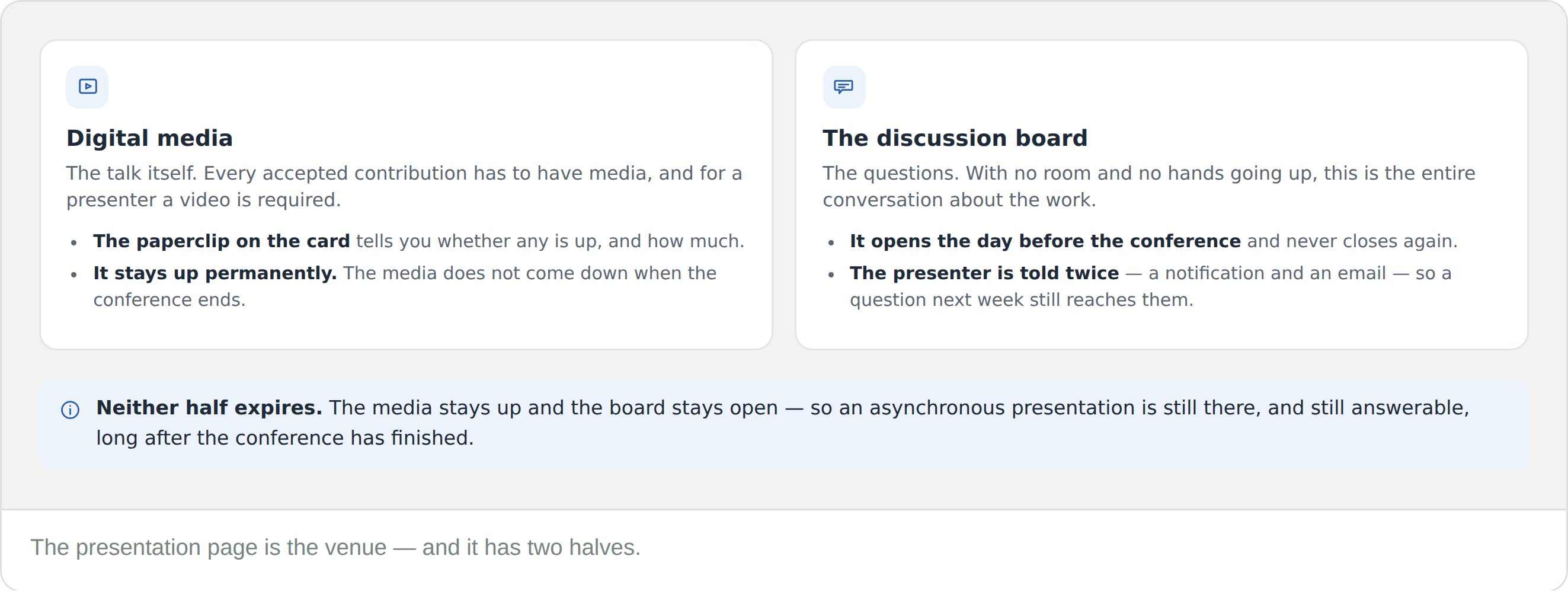
Open the presentation page, and it has two halves.

  • Digital media — the talk itself. Every accepted contribution must have media, and for a presenter a video is required. The paperclip on the card tells you whether any is up before you open it, and it stays up permanently once it is there
  • The discussion board — the questions. It opens the day before the conference and never closes, and the presenter is notified twice over, so a question next week still reaches them

Watching is only half of it. An asynchronous presenter gets no applause, no questions from the floor and no idea who was there — a post on the board is the only signal that anyone came. And neither half expires: the media stays up and the board stays open indefinitely.

Frequently Asked Questions

When does it start?

It does not. There is no start time and nothing to miss — which is also why nothing will remind you. Star it and come back.

Calendar view is not showing a grid

That is correct in this mode. Asynchronous presentations have no time and no room, so there is nothing to plot. You get a list instead.

The row says 20 minutes, but not when

That is the length of the presentation, not a slot. It tells you how long to set aside, not when to be there.

There is no video on the page

Check the paperclip count on the listing first. A zero means nothing has been uploaded yet — media deadlines fall shortly before the conference.

Can I still ask the presenter something?

Yes, on the presentation’s discussion board. It opens the day before the conference and stays open afterwards, and the presenter gets both a notification and an email.

What is Not time-defined?

A presentation with no duration attached, usually a poster. It opens exactly like a talk — same page, same media, same discussion board. Only the length is missing.

Does it come down after the conference?

No. The media stays up permanently and the discussion board never closes, so a presentation can be watched and asked about long after the dates.