What is the difference between a conference and an event?
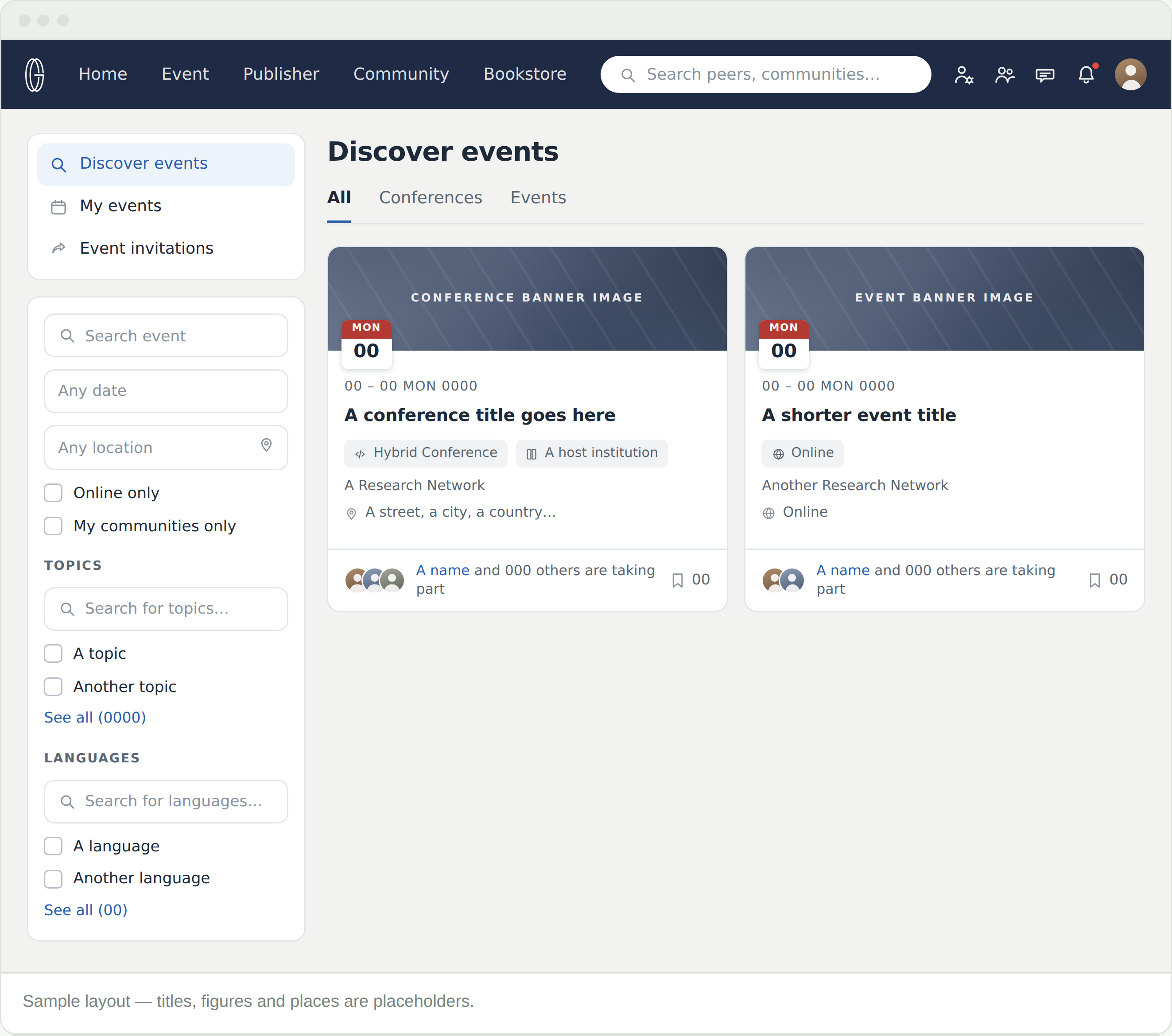
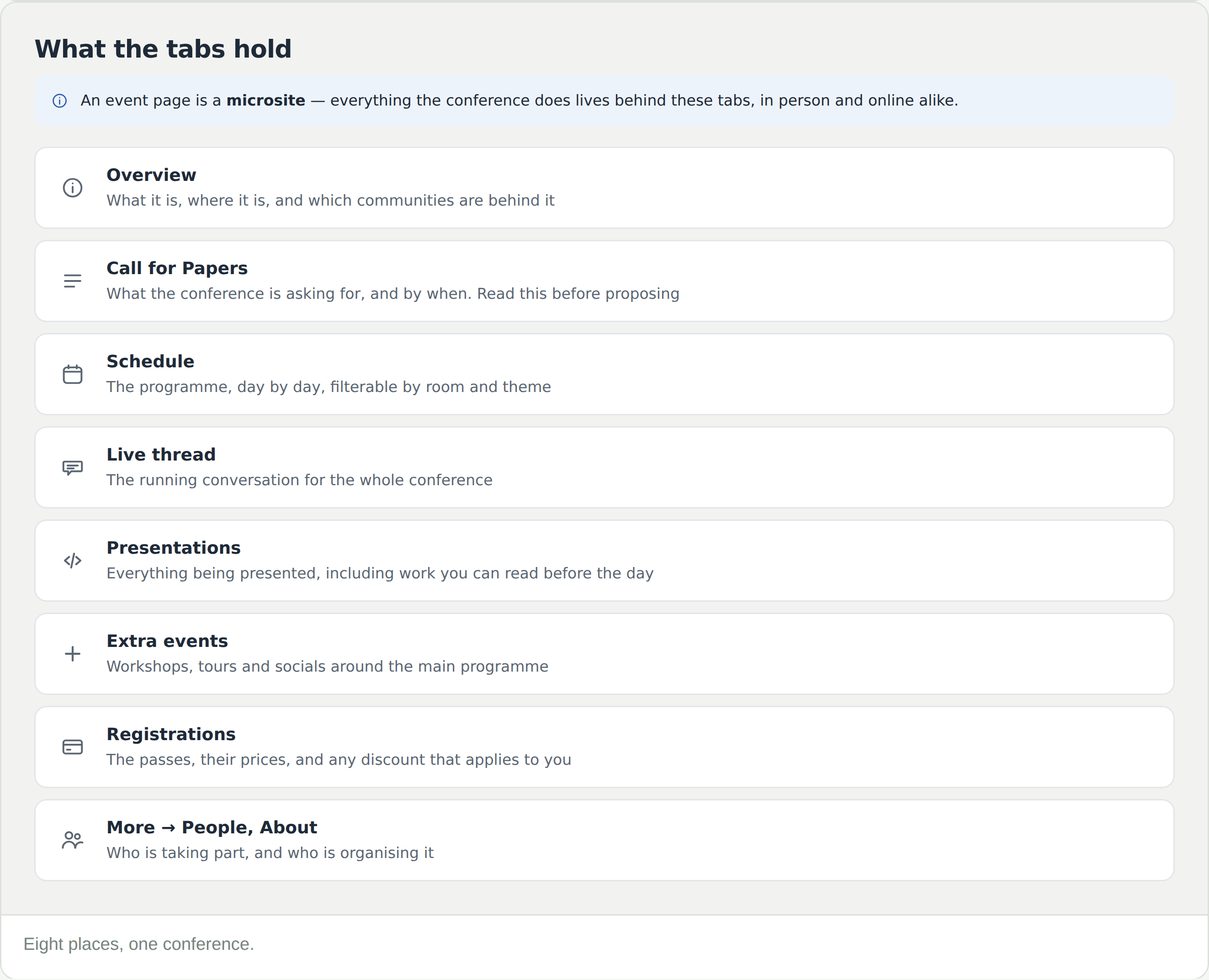
A conference is a multi-day programme with a call for papers, a schedule and passes. An event is smaller. The tabs above the grid separate them, so filter to the one you want.
How do I find something I can attend from home?
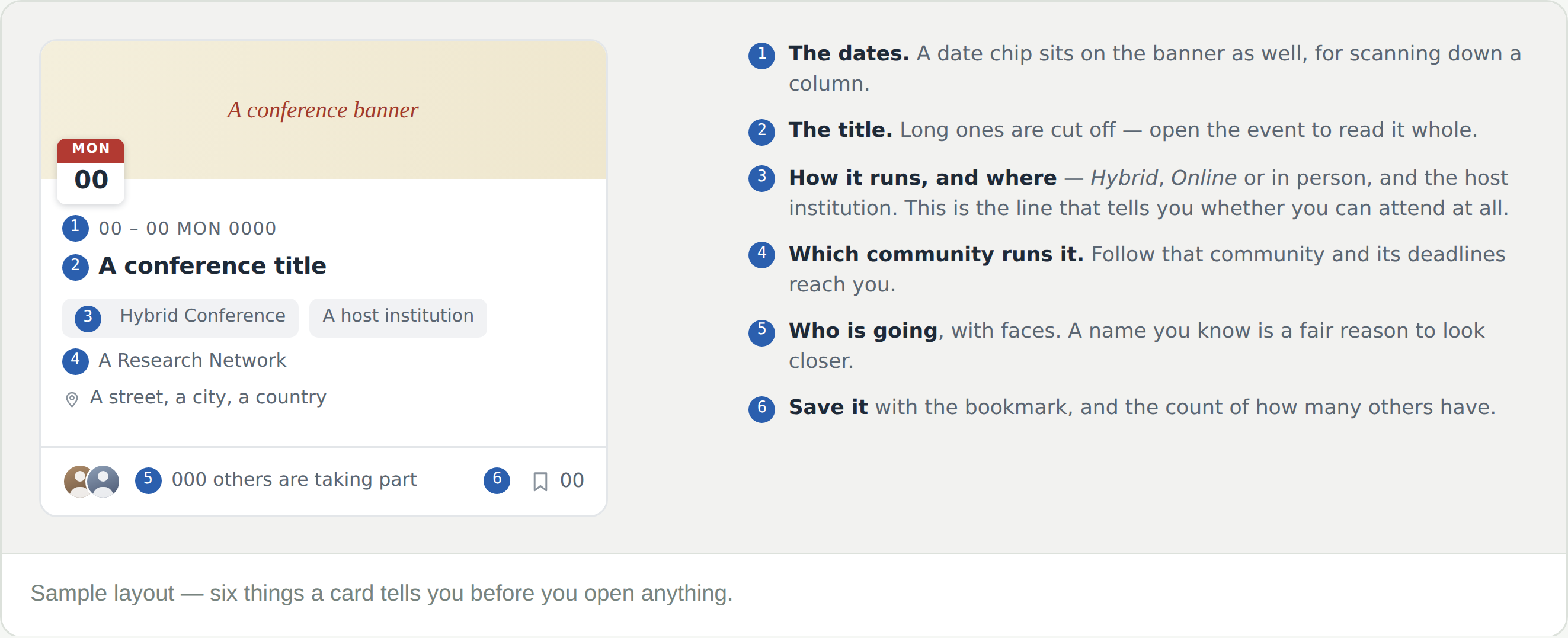
Tick Online only. Look for the Hybrid Conference or Online chip on a card — hybrid means you can do either.
I want to hear about a community’s conferences without paying for membership
Follow the community. Its announcements — calls for proposals opening, deadlines moving — arrive in your feed. Following is free, and it is the reliable way not to miss a deadline.
What does the bookmark do?
Saves the event so you can come back to it. The number beside it is how many others have saved it, which is a fair sign of how busy it will be.
The times look wrong
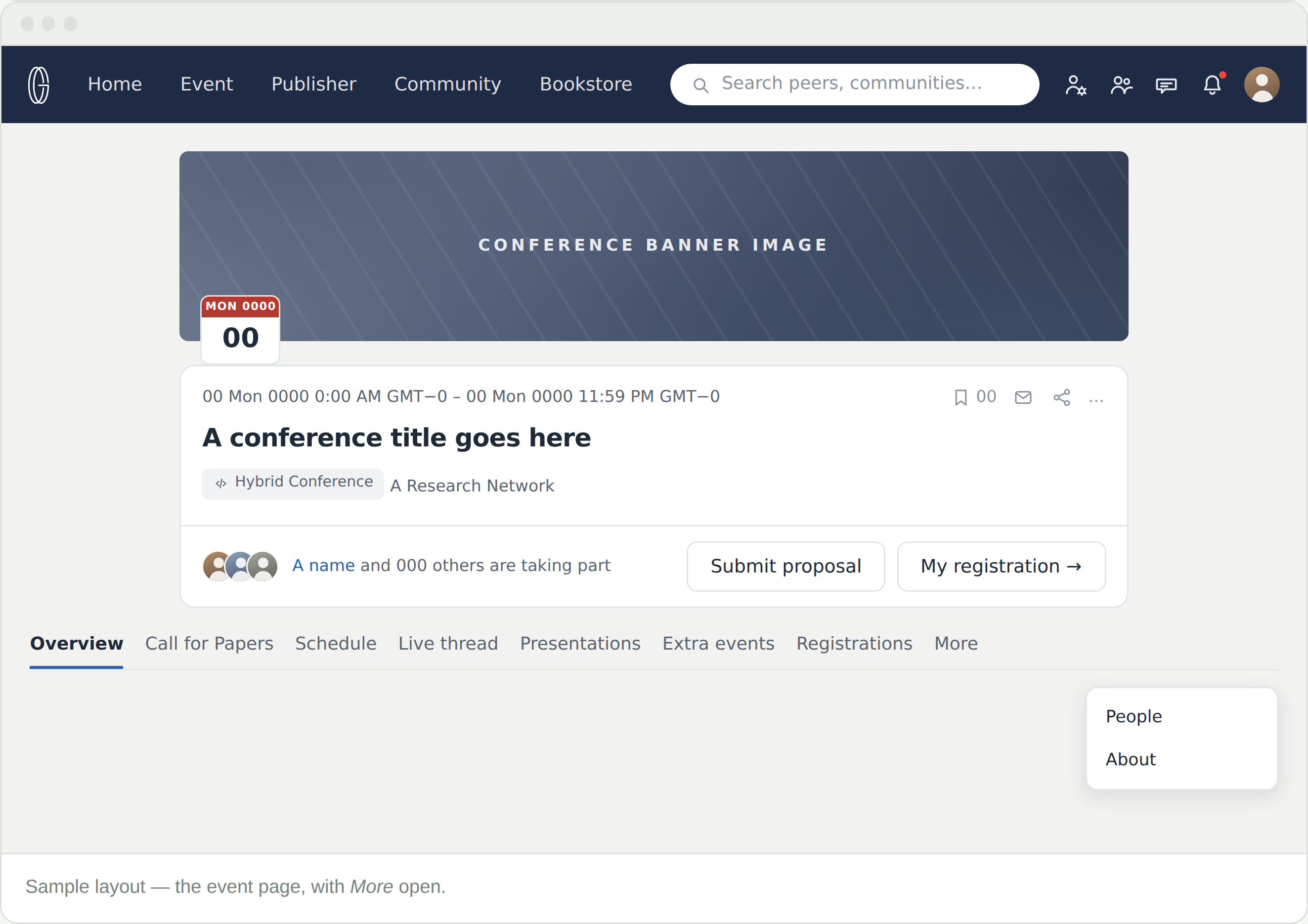
They are the conference’s, not yours. The header states the time zone — work out the difference once, at the start.
Where do I find an event I am already part of?
My events, in the left column. Anything you have registered for or been invited to is there.