My proposal was accepted — am I in the program?
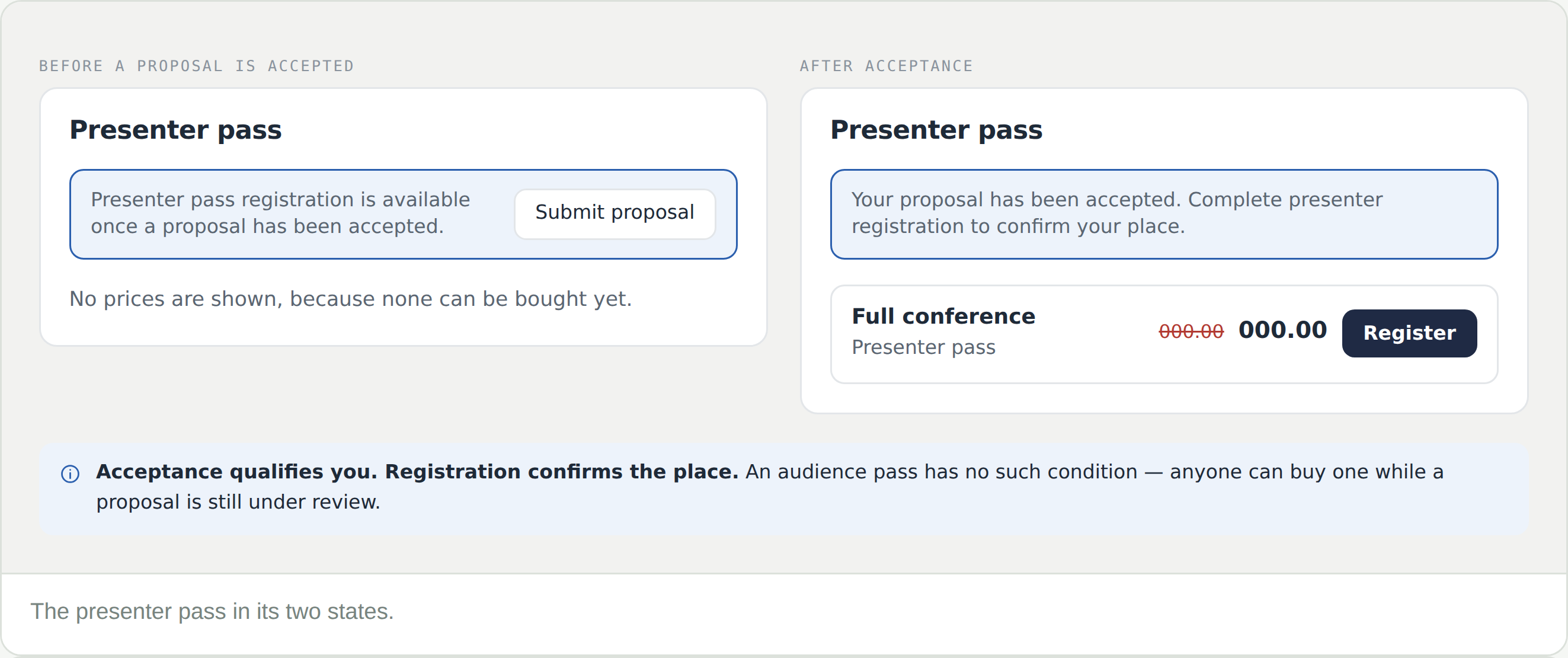
Not until presenter registration is complete. Acceptance qualifies you; registration confirms the place.
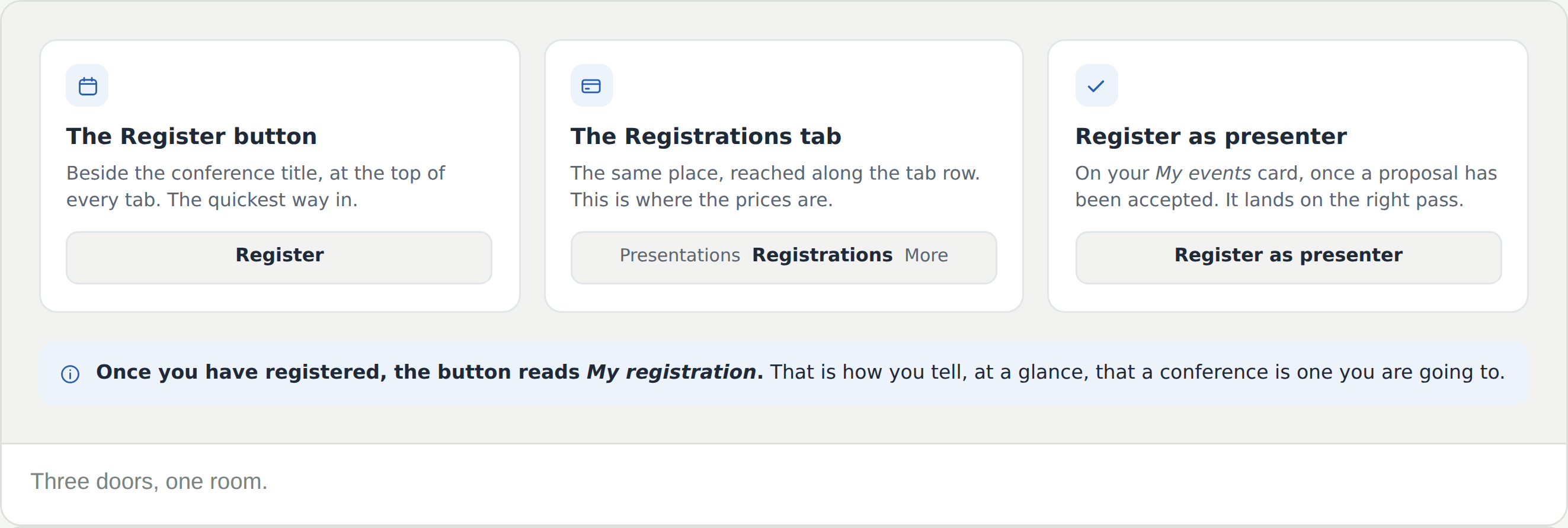
There is no Register button on the presenter pass
Presenter passes unlock on acceptance. While a proposal is under review the panel shows a notice instead — an audience pass is available in the meantime.
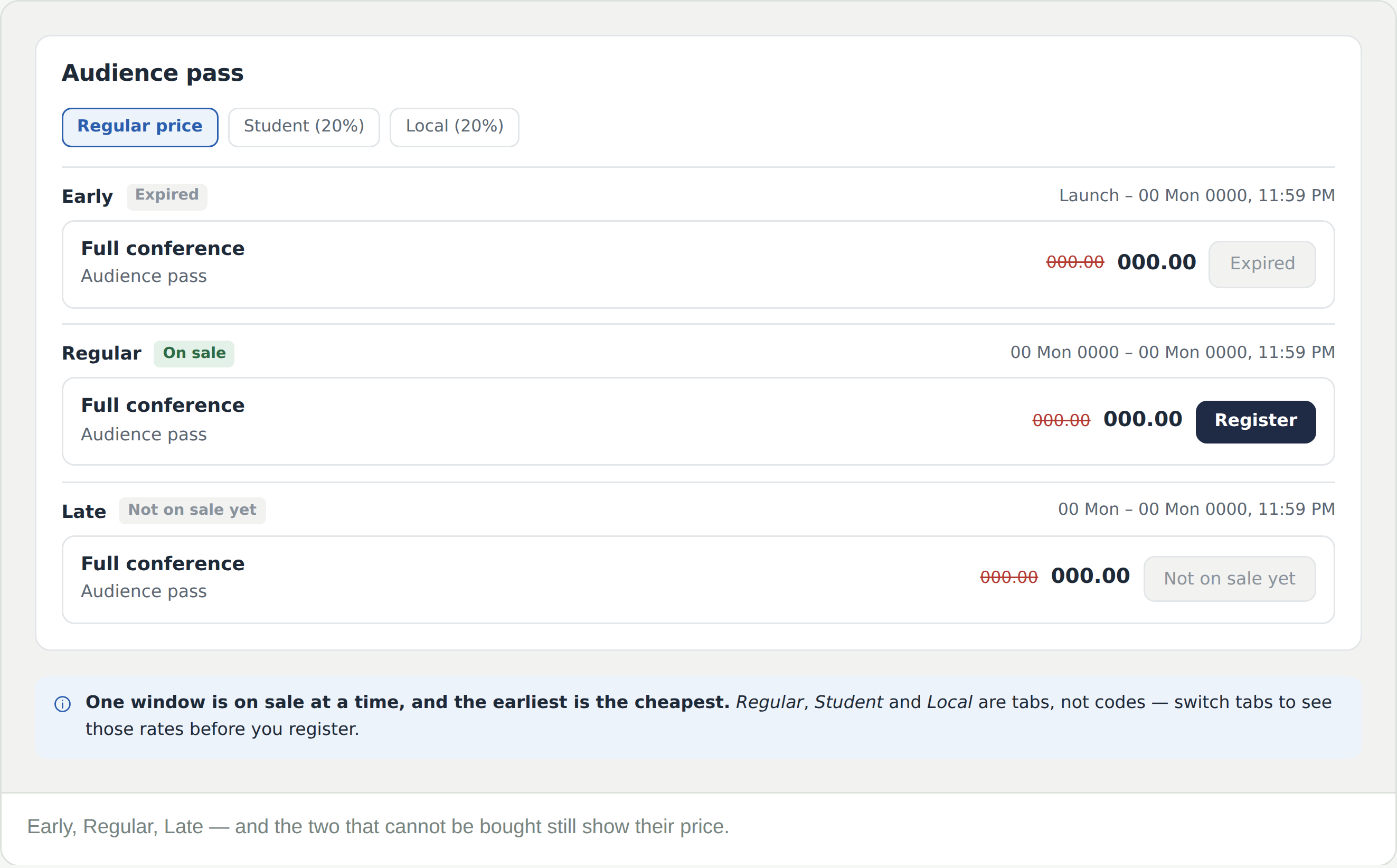
The price I was expecting has gone
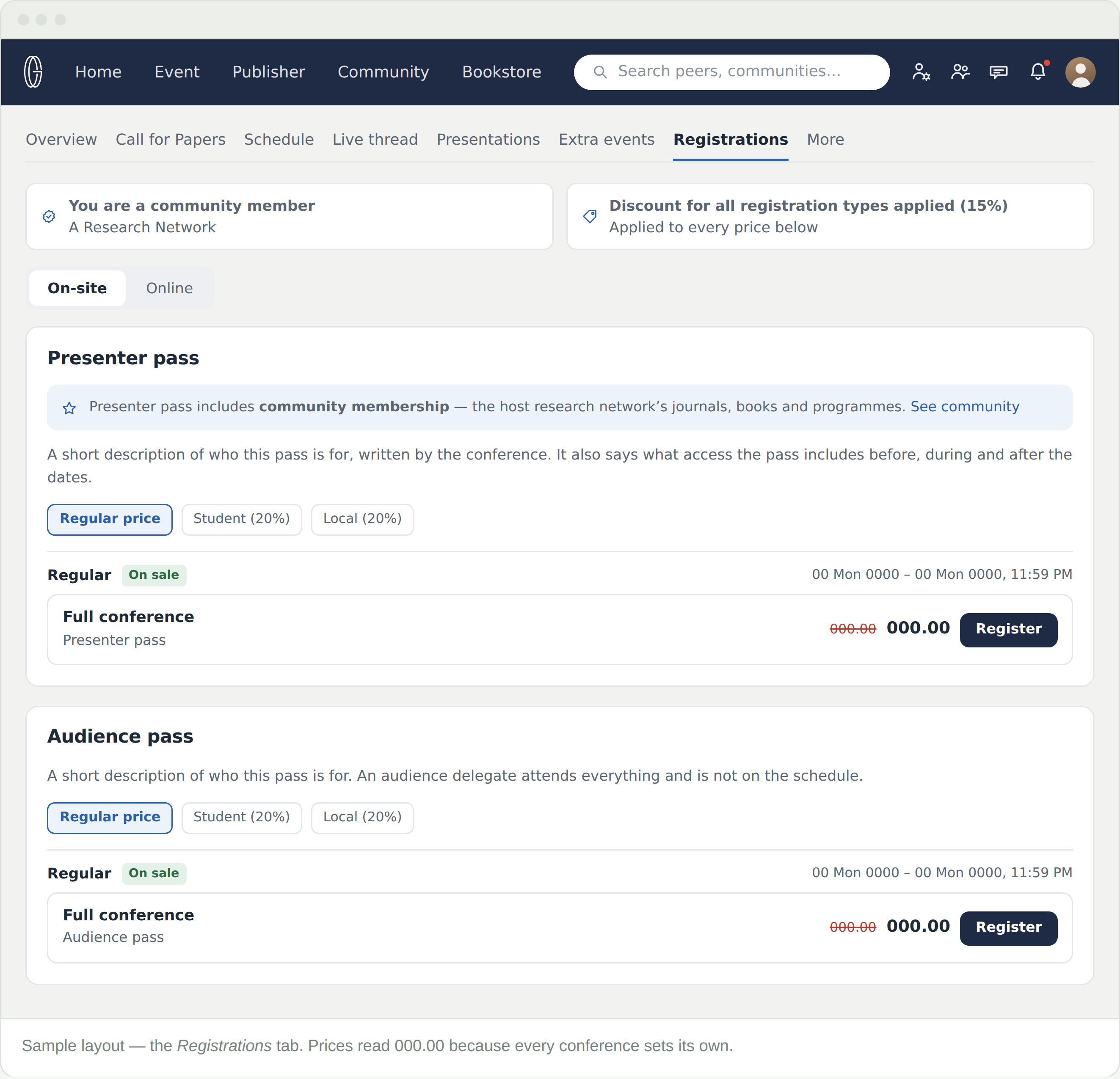
Check which window is on sale. Early rates close on a fixed date whether or not the conference is full — and the tab you are on, Regular, Student or Local, changes every figure on the page.
Do I need to register if I only want to watch online?
Yes — an online audience pass. Registration is what opens the programme, the digital media and the discussion boards.
I need an invitation letter for a visa
Register first. Acceptance releases a letter of acceptance; the letter of invitation is issued once registration is complete. Both sit under Download letters and certificates on your My events card.
Can I claim the student or local rate?
Yes, with proof. There is an upload step built into registering, and what you upload is reviewed before the rate is granted — it is not applied on the strength of picking the tab.
I registered on-site but now need to attend online
Contact support. The switch is not something you can make from the Registrations tab.
Is membership a separate purchase?
No. It comes with presenter registration and runs beyond the conference, which is why the panel links to the community it belongs to.