Is this the same as a presentation’s discussion board?
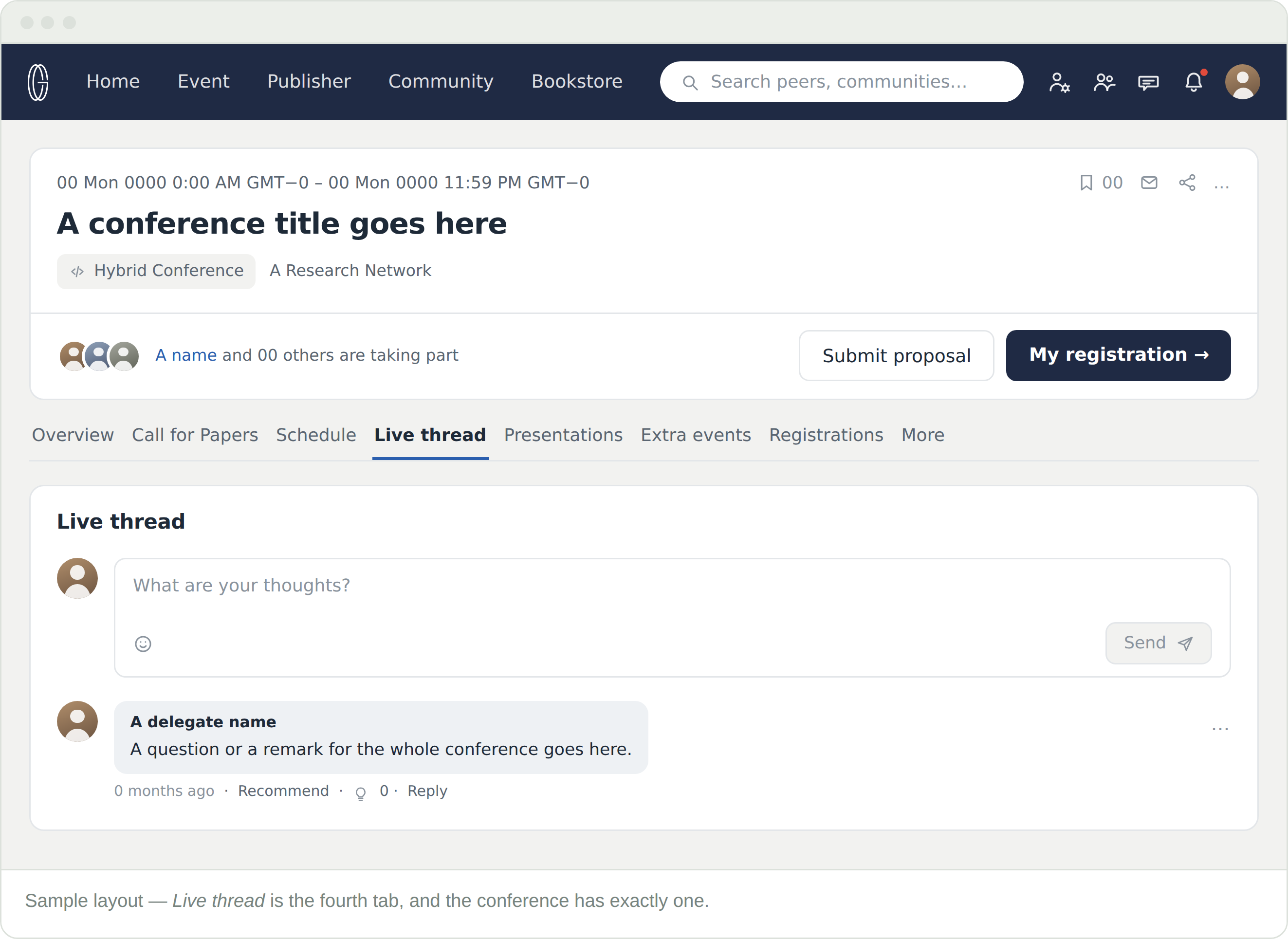
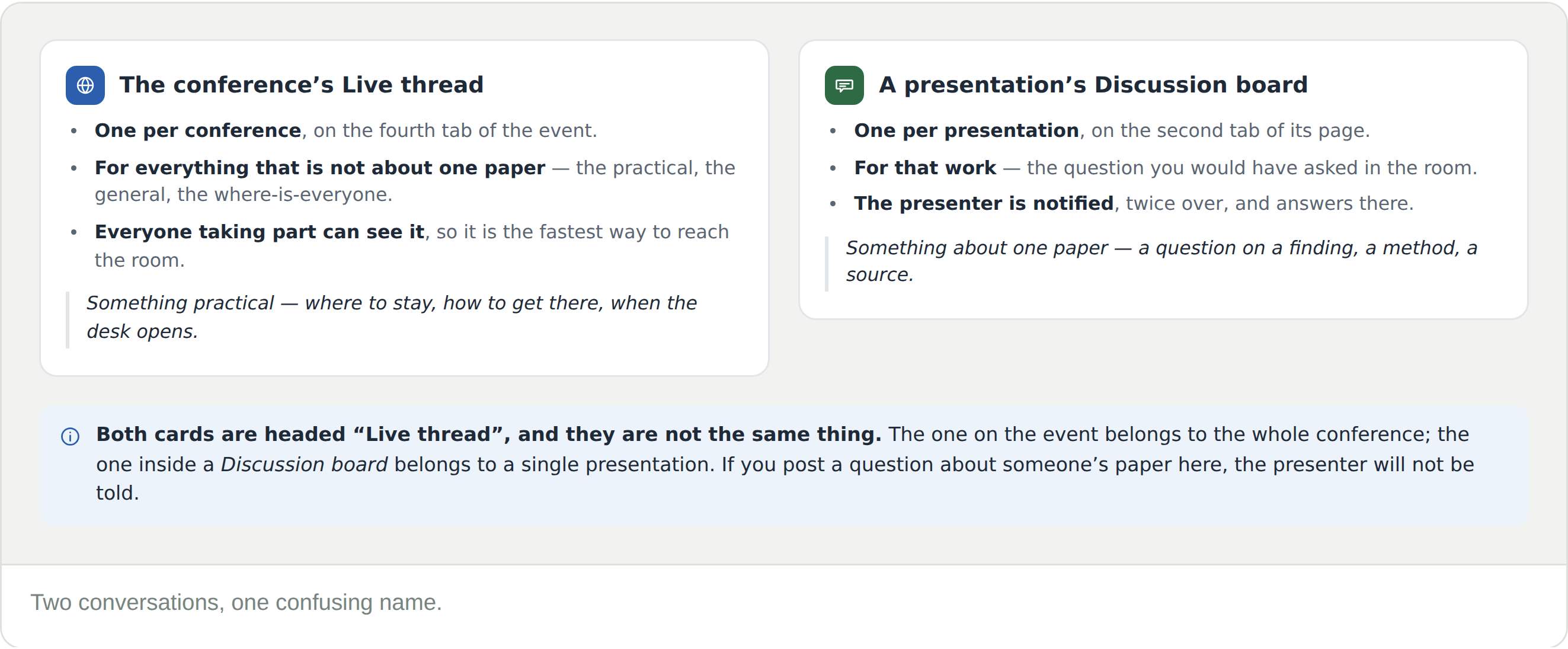
No. This is the conference’s thread, one for the whole event. A discussion board belongs to a single presentation — confusingly, the card inside one is also headed Live thread.
I asked about a paper here and got no answer
The presenter was not notified. Ask on that presentation’s discussion board, where they get both a notification and an email.
What does Recommend do?
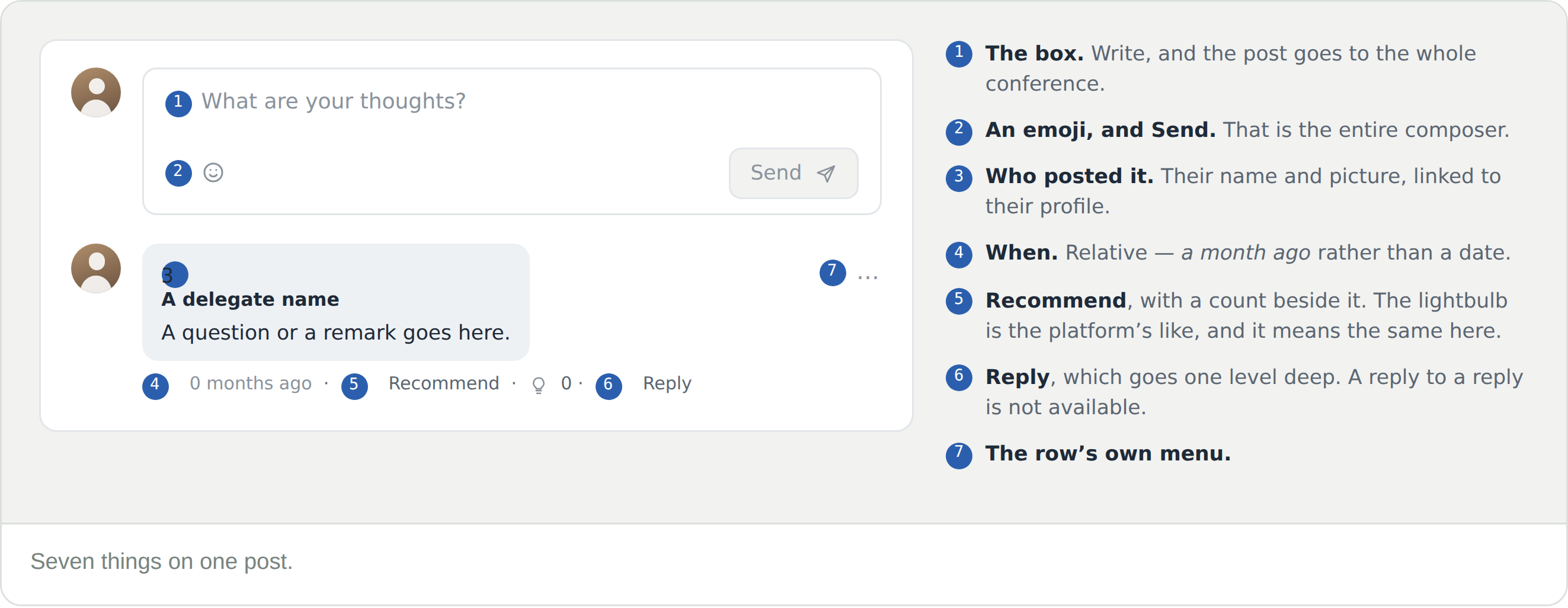
It is the platform’s like, worded differently. The count sits beside it with the lightbulb, and it is the right response to a question somebody has already asked.
Can I reply to a reply?
No — replies go one level deep. The thread stays a single conversation in order.
Who can see what I post?
Everyone taking part in that conference.
When does it open?
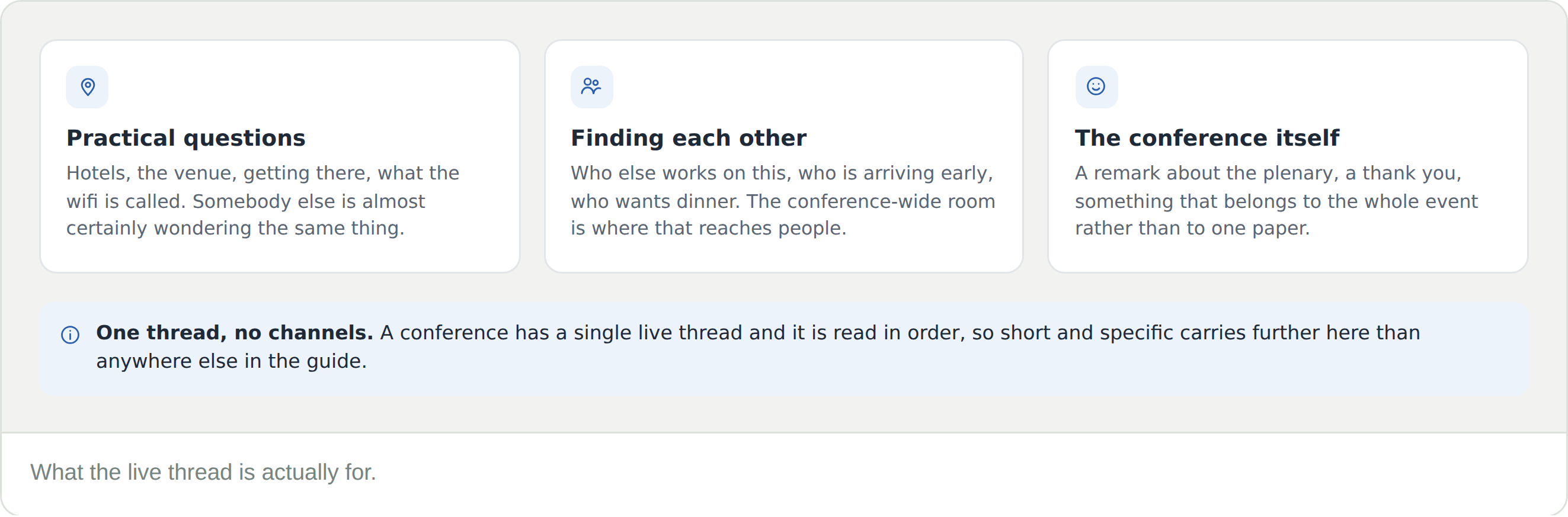
It is on the event before the dates, which is what makes it useful for arranging travel and accommodation.