Meeting peers

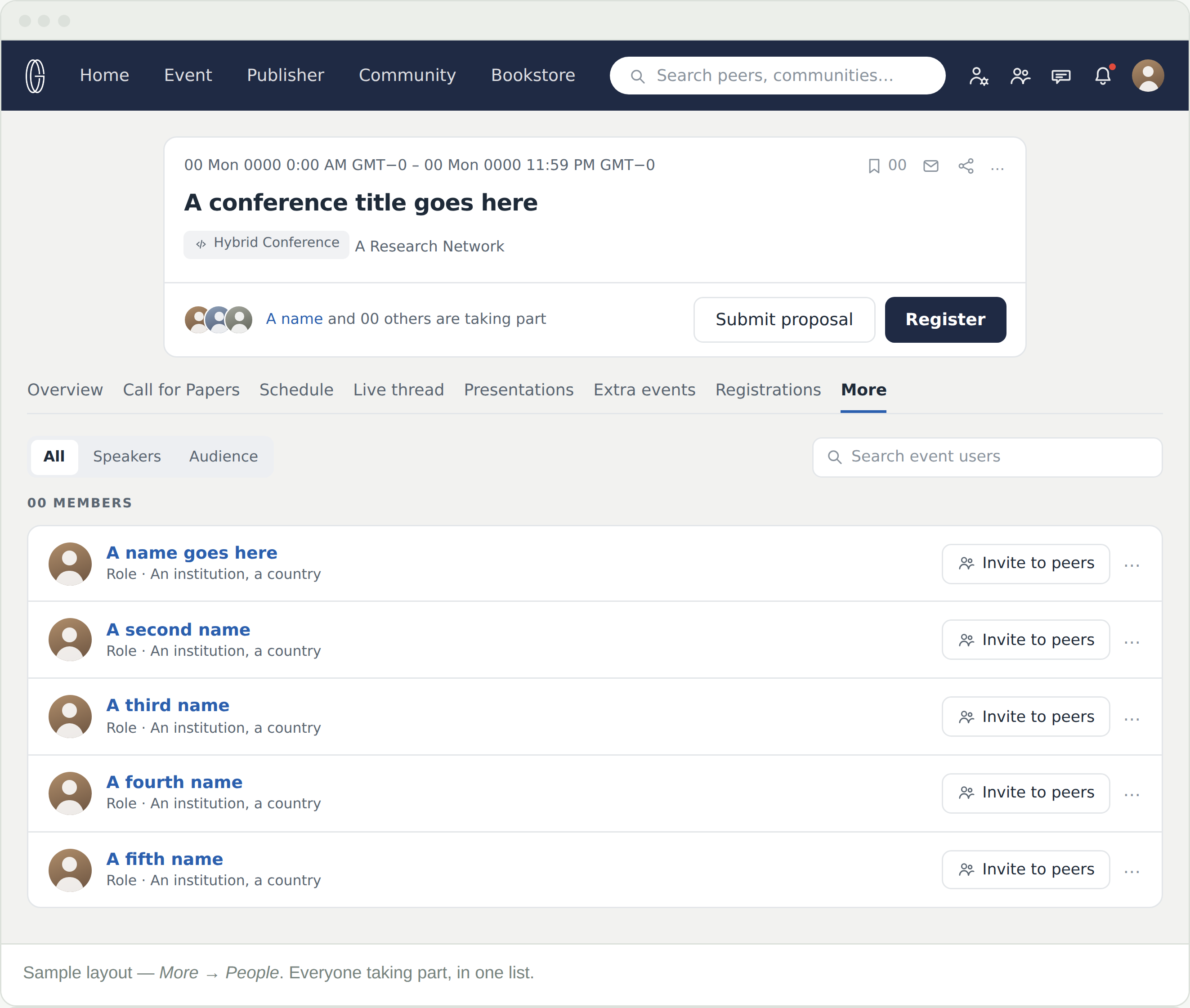
Every conference has a list of the people taking part in it. More → People is that list — presenters and attendees together, searchable, and with an invitation attached to every name.

Where the list is

People sits under More, the last tab on a conference. It shows everyone registered for that conference and nobody else — so the count you see is that conference’s.

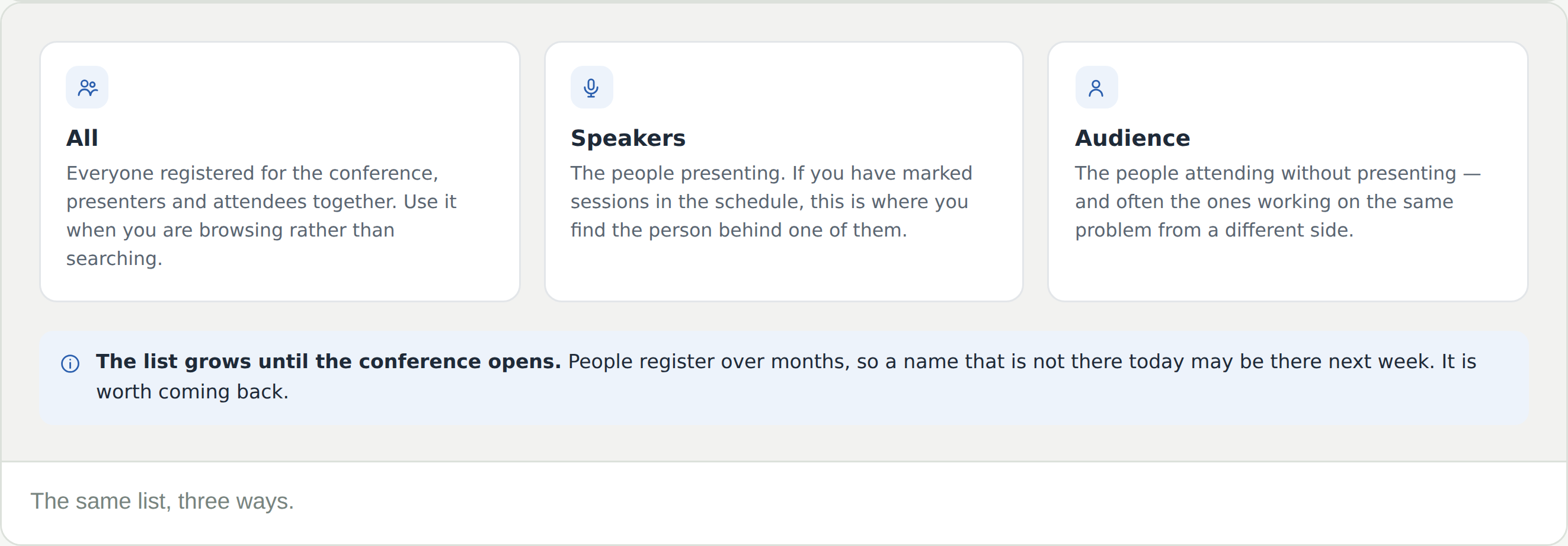
The list grows for months. People register right up to the dates, so a name that is not there today may be there next week.

Reading a row

Each row is one person, and it carries only what you need to decide whether to click.

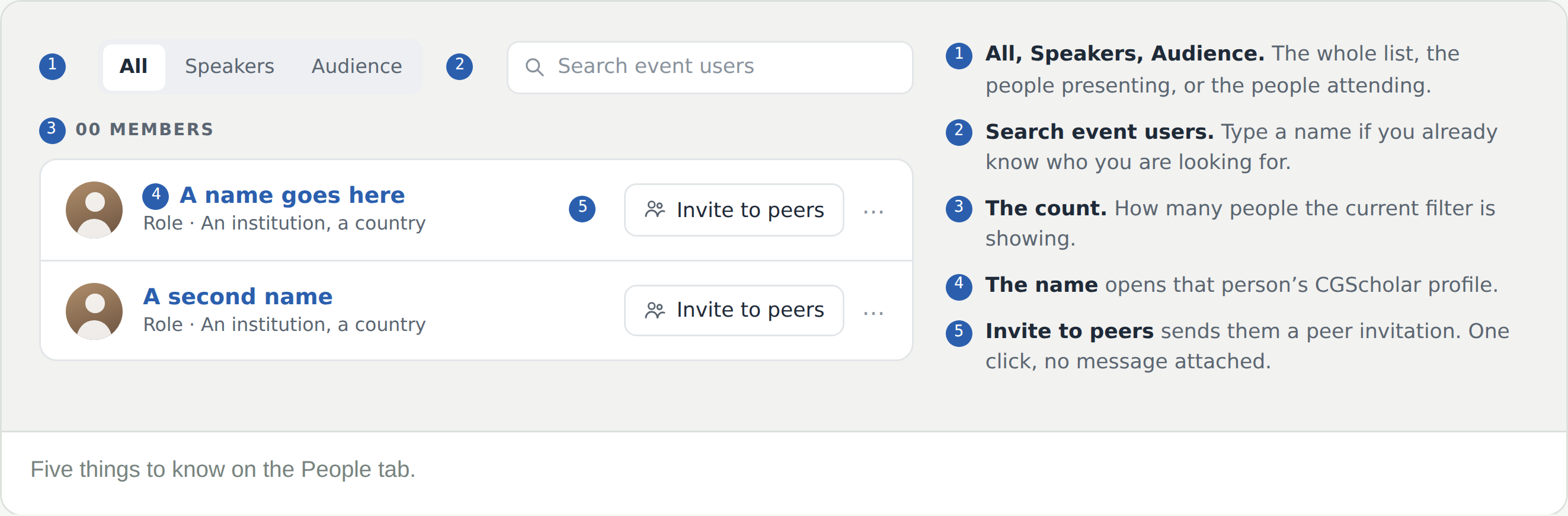
  • The name opens that person’s CGScholar profile — where their work and their media sit
  • The line beneath it is their role and where they work
  • Invite to peers sends a peer invitation. One click, no message attached

Read the profile before you invite. It costs a click and tells you far more than one line of affiliation.

All, Speakers, Audience

The same list, three ways. The count above it changes with the filter.

  • All — everyone registered, presenters and attendees together
  • Speakers — the people presenting
  • Audience — the people attending without presenting

Use Search event users when you already have a name, and the filters when you do not.

What an invitation does

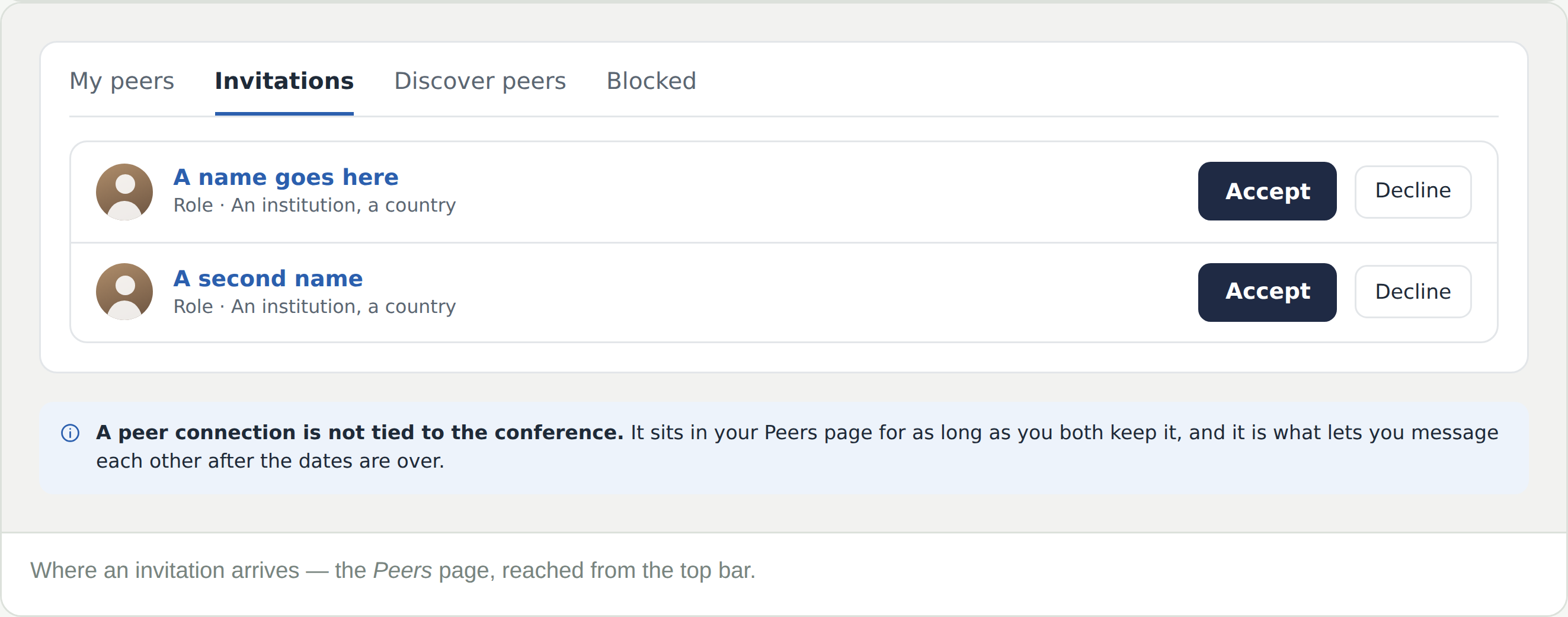
Invite to peers sends a peer invitation. It arrives on that person’s Peers page, under Invitations, and yours works the same way — the peers icon in the top bar is where you answer them.

Once it is accepted, that person is one of your peers across CGScholar, not just at this conference. Peers show in the left column of your home feed, their posts reach it, and you can message each other from the Peers page.

A peer connection outlives the conference.

Frequently Asked Questions

I cannot see a People tab

It is under More, at the end of the tab row, alongside About.

Someone I expected is not listed

The list is people who have registered. Names appear as registrations come in, so look again nearer the dates.

Where does my invitation go?

To that person’s Peers page, under Invitations. Invitations sent to you arrive in the same place — the peers icon in the top bar.

Is this the same as my Peers page?

No. People is one conference’s list. Peers is yours, across the whole platform, and it stays when the conference is over.

Can I invite someone I have not met?

Yes — that is what the list is for. Their profile is a click away if you want to know what they work on first.