There is no link on the presentation I marked
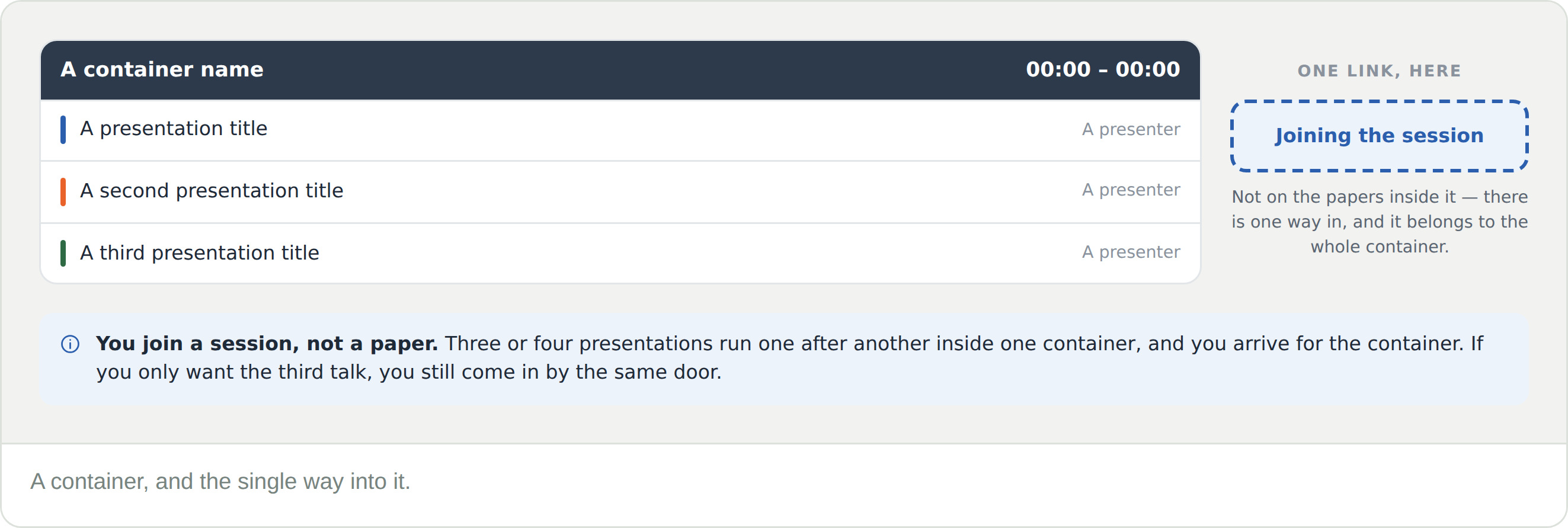
There will not be. The joining link belongs to the container — the session that holds it. Click the session block in the schedule and look in Container details.
What time is that where I am?
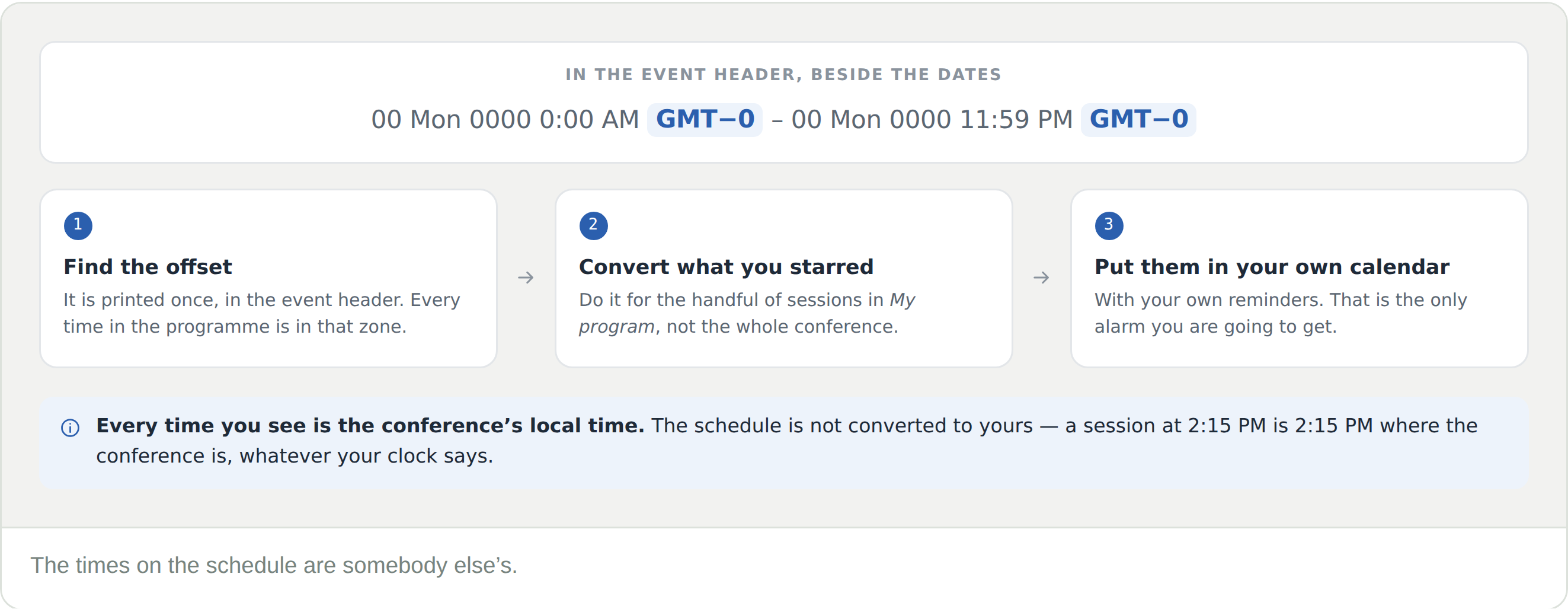
You have to work it out. Times are shown in the conference’s zone and are not converted to yours — the offset is in the event header beside the dates. Convert the sessions you have starred and put them in your own calendar.
I missed it
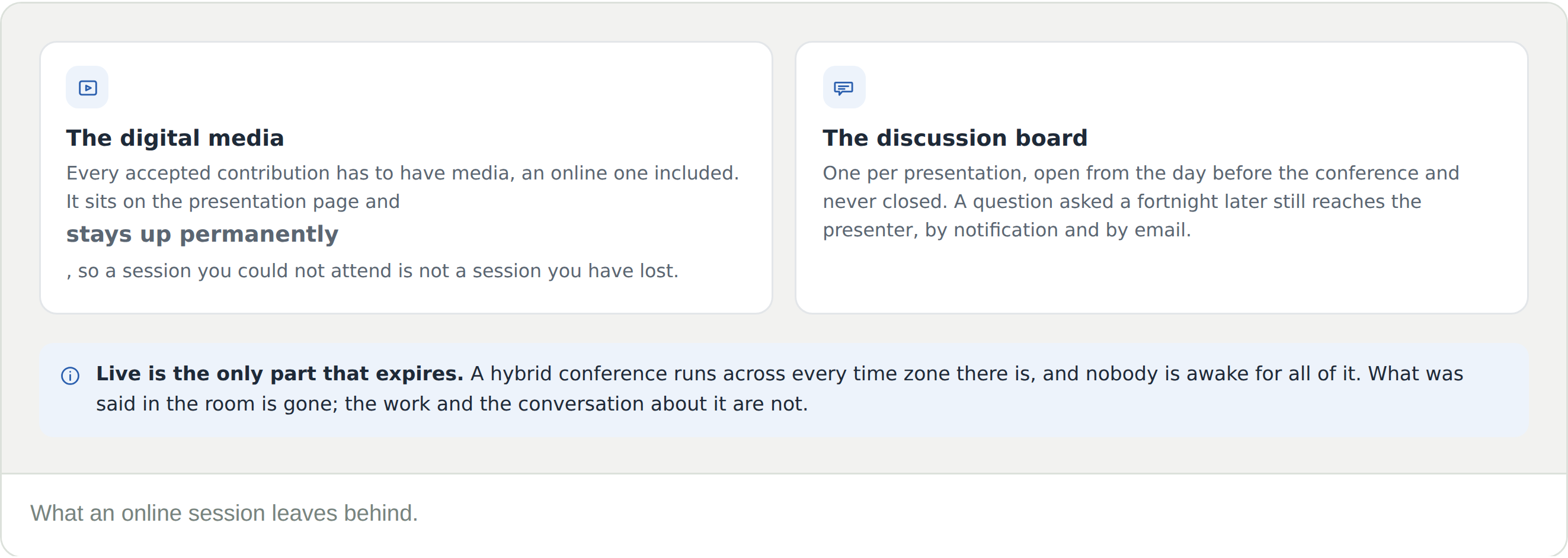
The presentation page is still there. Every accepted contribution has digital media, it stays up permanently, and the discussion board is still open.
Is an online session recorded?
What is guaranteed is the presenter’s own digital media on the presentation page. Whether the live session itself is separately recorded is up to the conference.
Can I ask a question afterwards?
Yes — on that presentation’s discussion board. The presenter gets a notification and an email, however long afterwards it is.
Do I need to register for an online conference?
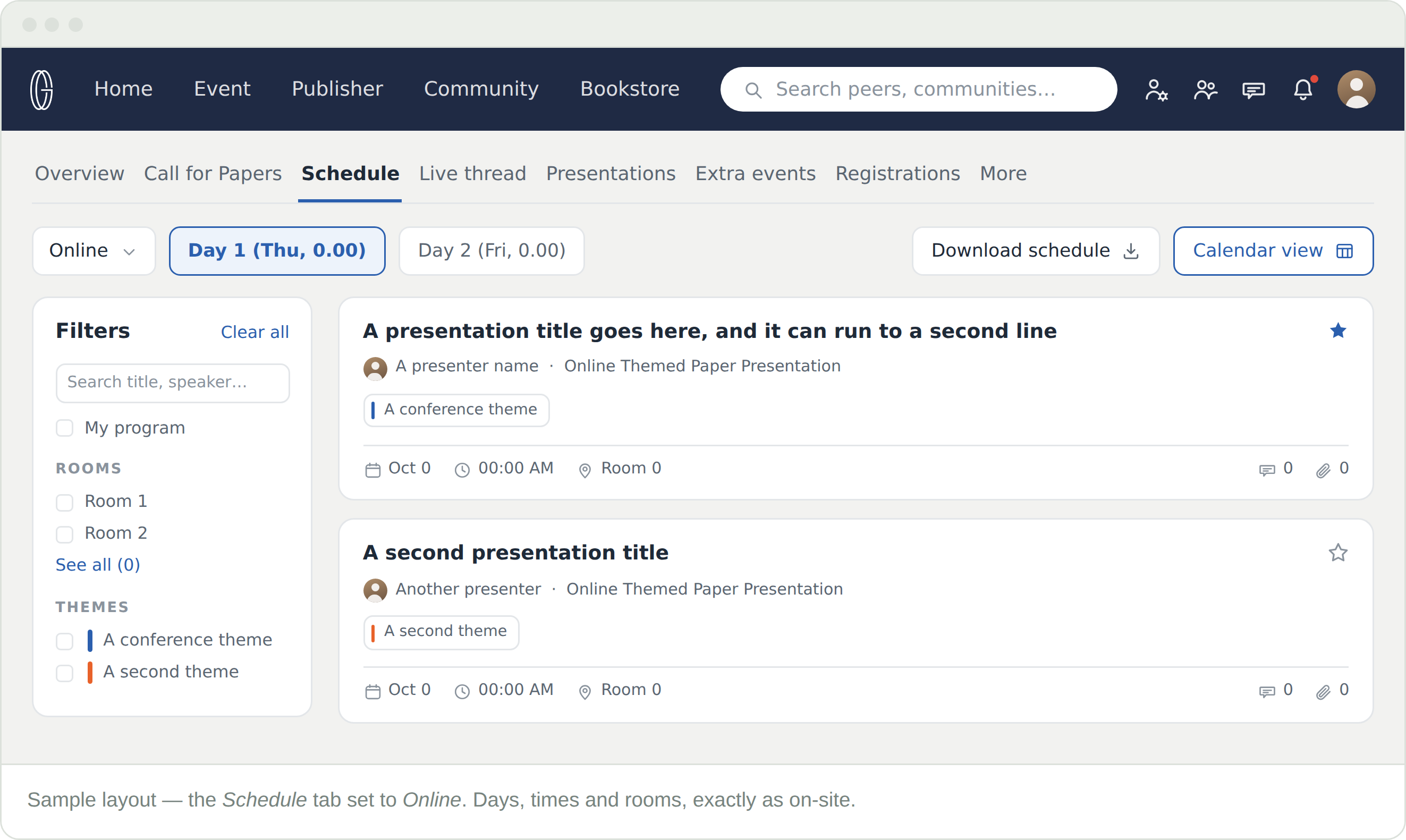
Yes. The program, the media, and the boards all sit behind a registration, and there is an Online option on the Registrations tab.