I changed my preferences and nothing happened
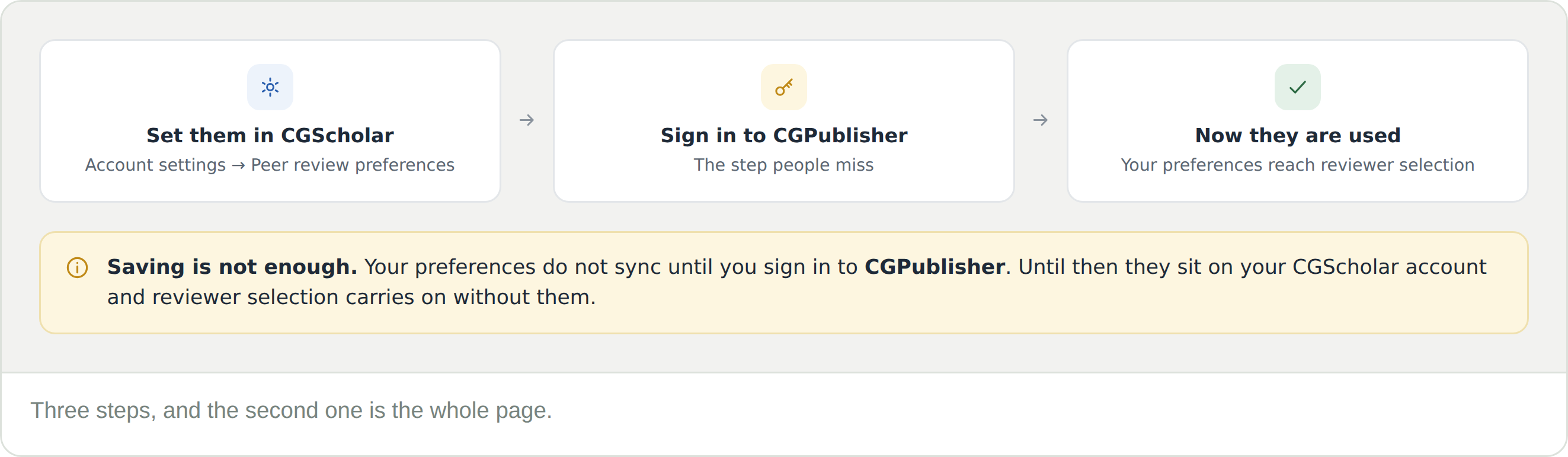
Sign in to CGPublisher. Saving in CGScholar does not sync them on its own — signing in is what does.
Do I have to sign in to CGPublisher every time I change them?
Sign in after any change you want used. It costs nothing to do it again, and it is the only way to be sure the change has carried across.
Will setting a low frequency stop me being invited altogether?
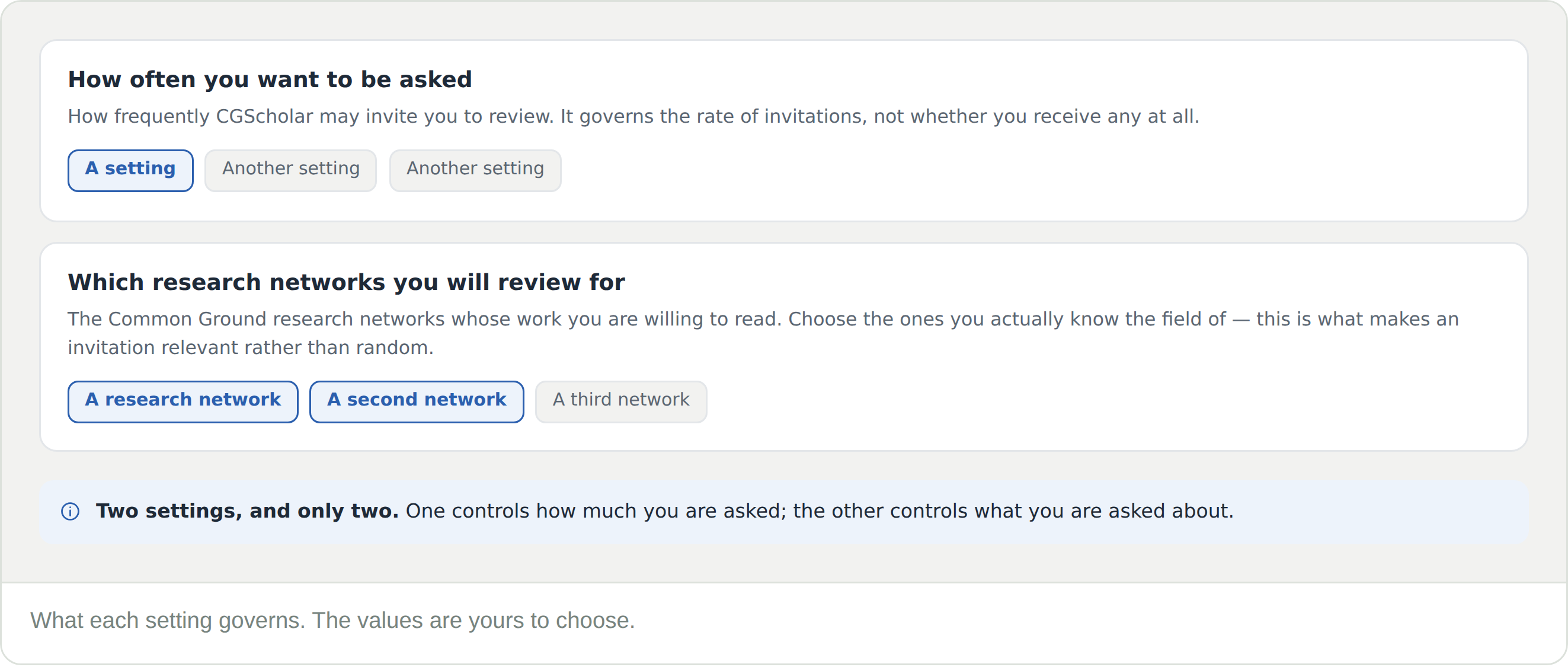
No. The setting governs how often you are asked, not whether you are asked. It reduces the rate of invitations rather than switching them off.
Can I review for more than one research network?
Yes. Select every network whose field you work in. Selecting more widens what you may be invited to read.
Why am I getting invitations outside my field?
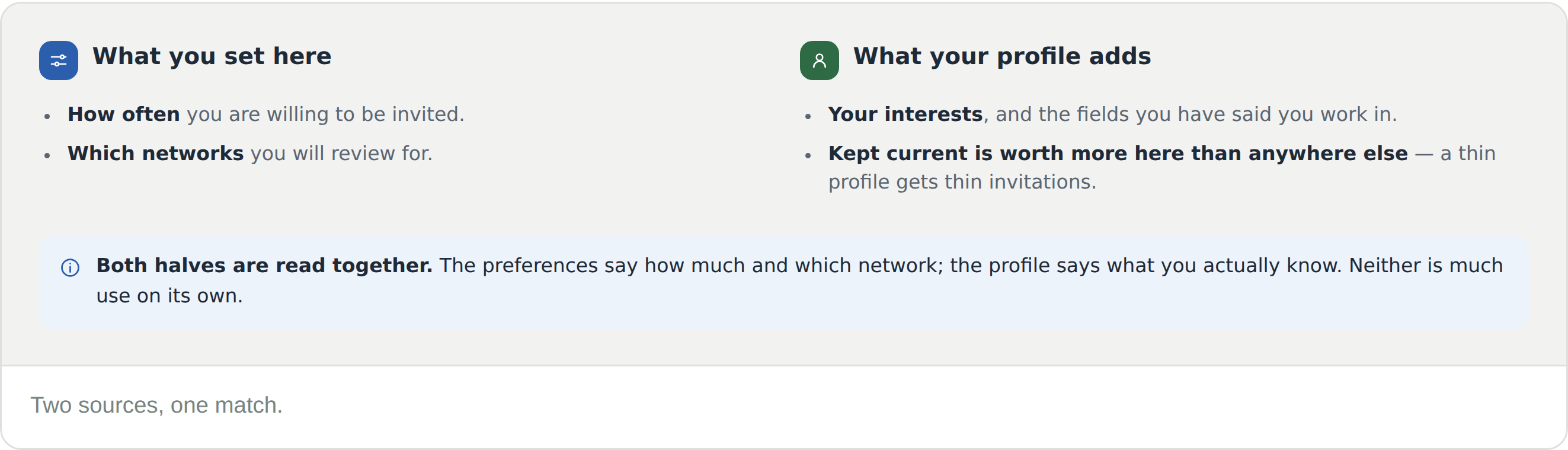
Check both halves. The networks you selected here decide the subject area; your profile interests refine it. A profile that has not been filled in gives reviewer selection little to work with.