Your Feed

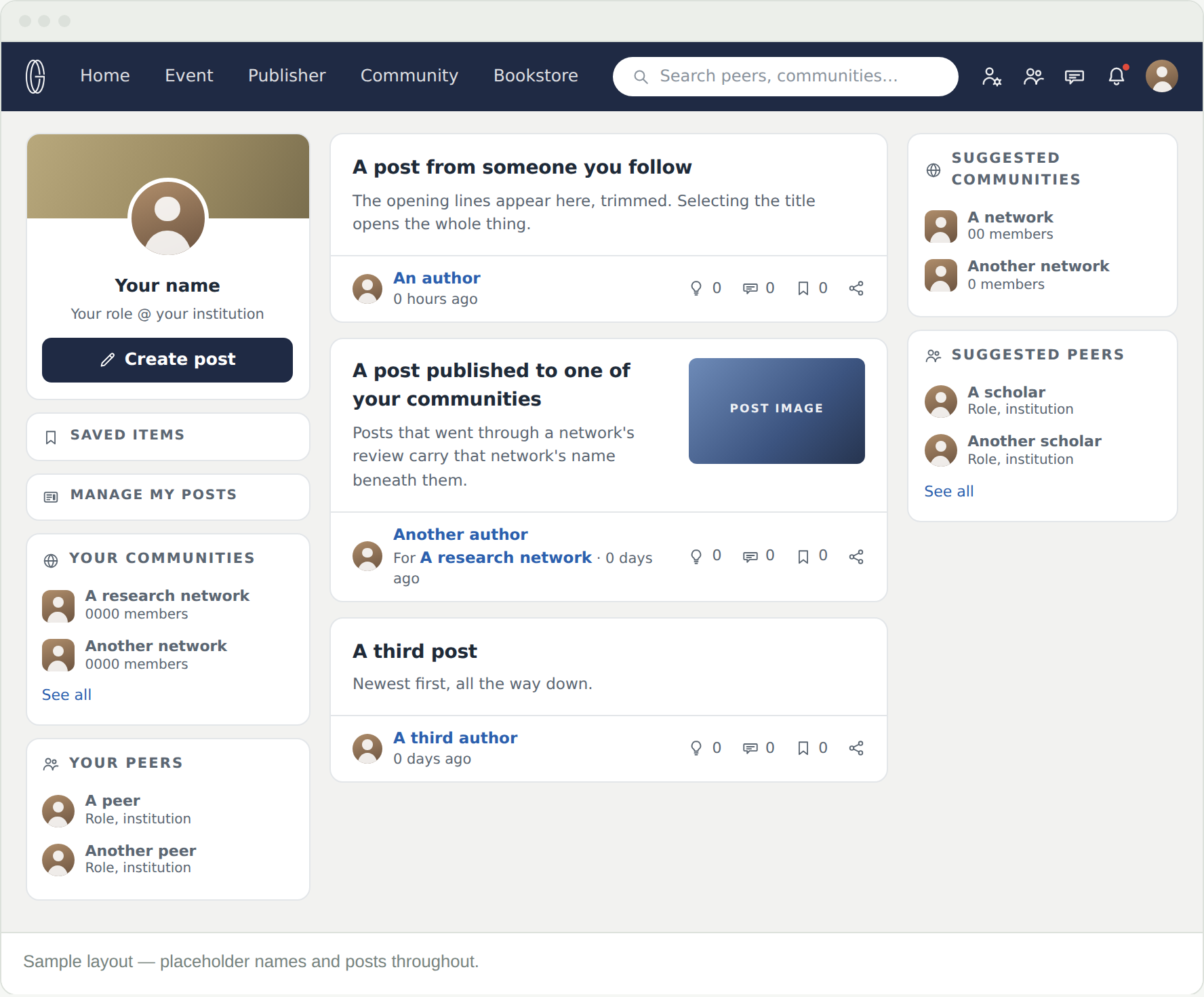
Home tab is the front page of the platform: what your peers and your communities have written, newest first. Your own shortcuts sit on the left, suggestions on the right.

Three columns

Home is laid out in three columns. The middle one is the feed.

  • Left — your photo and role, Create post, then Saved items, Manage my posts, Your communities and Your peers, each with See all
  • Middle — the feed itself, newest first
  • Right — suggested communities and suggested peers

The feed is built from two sources and nothing else: the people you have as peers, and the communities you belong to. You can post to your own feed at any time. Posting to a community’s feed is the part that needs membership.
Reading a post card

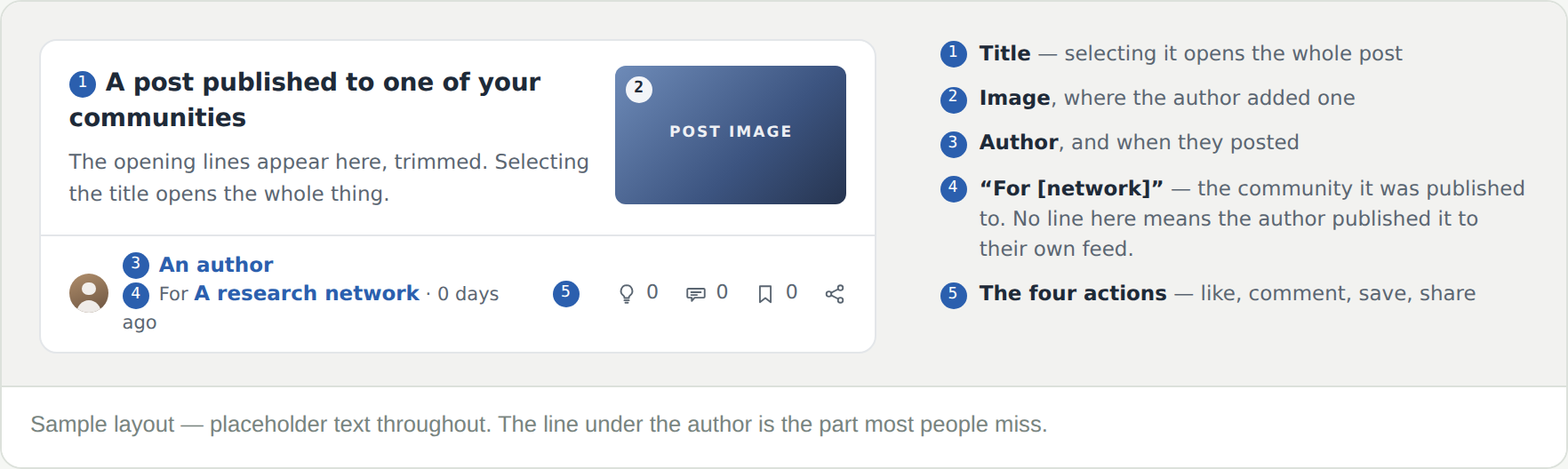
Title, opening lines, sometimes an image, then the author. The line worth noticing is the one beneath the author’s name.

“For [network]” means the post was published to that community. No such line means the author published it to their own feed.

The four icons

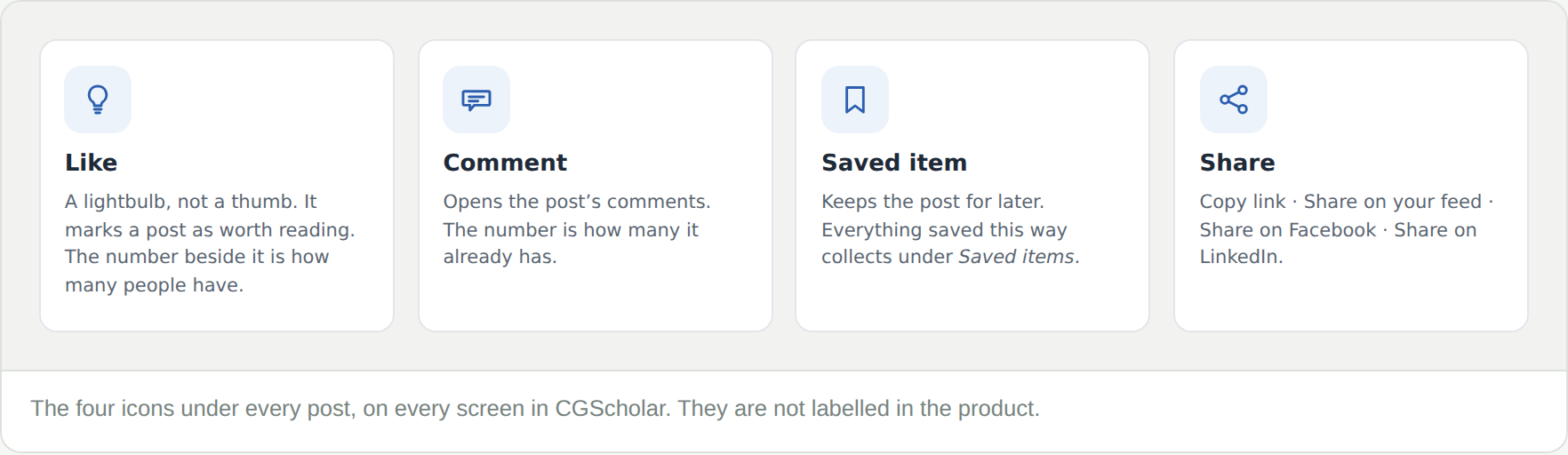
They are the same four on every screen.

  • Lightbulb — Like
  • Speech bubble — Comment
  • Bookmark — saves the post to Saved items
  • Share — opens the sharing menu

Sharing a post

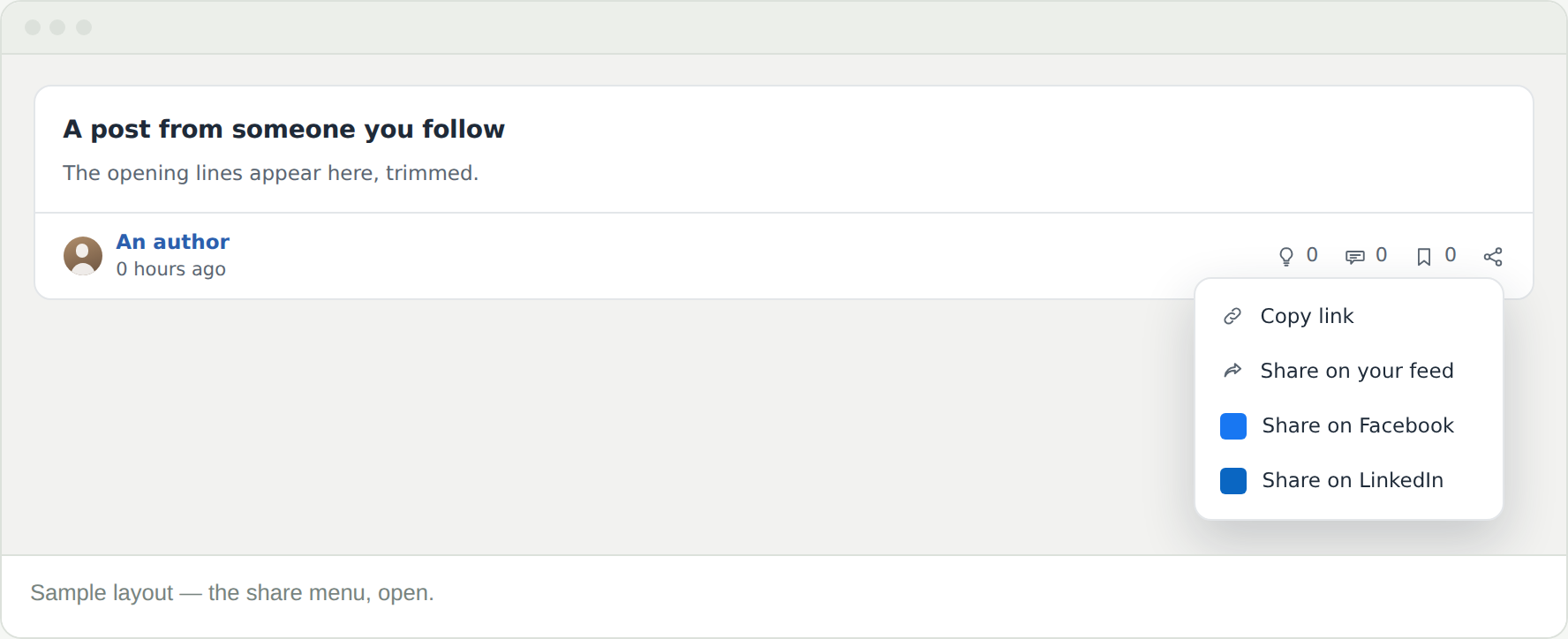
The share icon opens four options: Copy link, Share on your feed, Share on Facebook and Share on LinkedIn.

Share on your feed is the one to know. It puts someone else’s post in front of your own peers, with the original attribution intact.

Frequently Asked Questions

My feed is nearly empty

It is built from your peers and your communities, so it fills as those do. The suggestions in the right column are the quickest way to start.

What does the lightbulb do?

It is Like. The number beside it is how many people have marked the post as worth reading.

I saved something and cannot find it

Saved items, in the left column here and on your profile. Everything you bookmark lands there.

I want to see only one network’s posts

Open that community and use its own feed. This page deliberately mixes everything you are connected to.

Where do my own posts appear?

On your profile under My feed, and in the feed of any community that accepted them. Manage my posts shows all of them with their status.